
DIY Video Production: When a 1-Minute Video Took an Hour
Nov 18, 2024DIY video production used to cost financial planner Lyle Greig about an hour for a one-minute video: iPhone, tripod, lights, and waiting for the late-afternoon light. With a studio now set up permanently in his office, he flicks a switch and records, and he puts out videos consistently, from a monthly video newsletter to an online course for clients.
Key takeaways
- Lyle Greig's old DIY setup turned a one-minute video into roughly an hour's work, and he often had to wait for the right light.
- A studio that stays set up removes the setup, the framing and the microphone checks, so he can switch it on and record.
- With no setup to fight, he spends the time on his delivery and feels more relaxed on camera.
- He now records consistently, including a monthly video newsletter and an online course for clients, and sends his recordings to Ridge's editors.
- His case for the cost is simple: for a professional who communicates for a living, it is a tool of trade.
Why did a one-minute video take Lyle an hour?
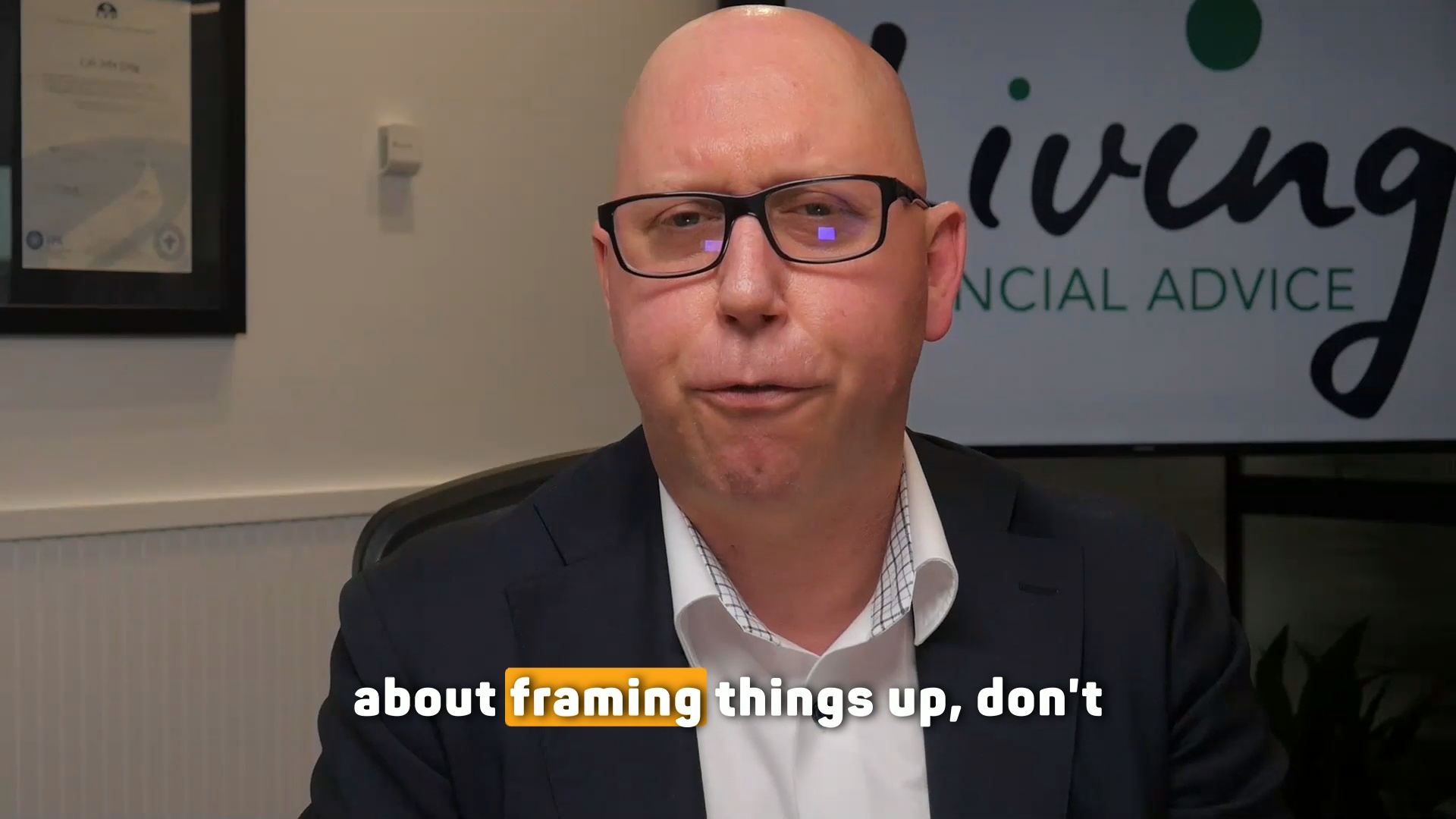
Lyle Greig is a financial planner at Living Financial Advice in Hurstville, Sydney. Before his studio, he did his video production the way most professionals start: a phone, a tripod and whatever lights he had.
"Coming from the past where I was doing it myself with tripod and iPhone and, and lights and all that sort of stuff, you know, to do a simple one minute video might've been a one hour exercise, really. And even then I was under the pump to do that." Lyle Greig
Most of that hour went on getting ready, every single time. He often had to wait for a certain time of day to shoot, normally late in the afternoon, because the light from the window decided when he could record. And every session meant sorting out the sound and the shot again. In his words, "It took a hell of a lot of motivation, you know, the audio and the framing things up."
The results didn't repay the effort either. "I look back at some of my old videos and I'm a bit embarrassed now," he says.
What changed when the studio stayed set up?
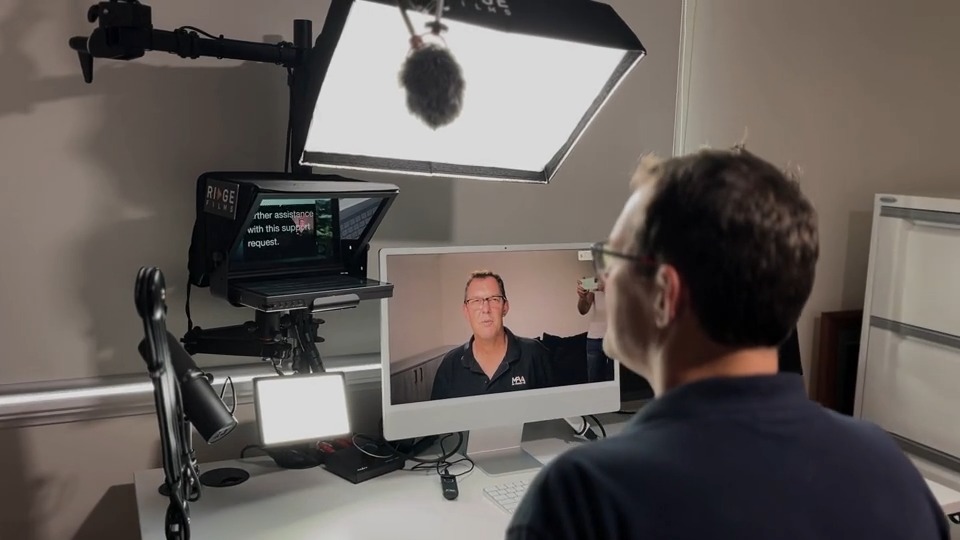
The setup disappeared. Lyle's Desktop Studio sits in his office with a proper camera, proper lighting and proper sound already in place, so there is nothing to put together before he records.
"Whenever I think I wanna do a video, I just flick the switch and away I go." Lyle Greig
Control over the light is the part he calls really important. He no longer relies on natural light at a particular time of day. He doesn't have to frame the shot or check he's plugged in the microphone either. That changed how he feels in front of the camera:
"I can take a little bit more time with the delivery because there is no setup. It's just flick a switch and away you go. So you feel a lot more relaxed." Lyle Greig
Hear Lyle describe it, from 0:44 in his interview:
 Watch from 0:44
Does it help on client calls too?
Yes. Lyle uses the same desk for client meetings on Zoom. The teleprompter in front of the lens gives him better eye contact with clients, and seeing his own picture back means he knows he is framed properly before the meeting starts.
He goes further than most advisers would expect. He finds a video meeting can be the better experience for the client, because they can join from their kitchen table on a tablet and he can share his screen to walk them through reports, which he may not have done face to face. Coming across professionally, he says, adds to his credibility and authority, and it shortens the time from first meeting a client to writing and presenting their plan.
What does Lyle make now that he didn't before?
More, and more often. With the studio and Ridge's video coaching behind him, Lyle says, "I feel a lot more confident to be able to consistently put out videos now." That includes a monthly video newsletter and an online course for his clients.
He has also stopped doing the part of video production that isn't his job. He records, then sends the footage to Ridge's editors to cut, add text and graphics, and upload. "I basically just push it through to them, let them do their magic," he says. His view is that a professional's time belongs on "the jobs that you should be doing, which is not really editing, it should be getting in front of clients".
Is a DIY studio worth the cost?
Lyle's answer is to work out what you get from it. If you use it every day, look at what it costs per day or per week, and weigh that against what clear communication is worth in your work.
"When you think about how important communication is for professionals, then you know the cost does not matter." Lyle Greig
He calls it a tool of trade. A tradesman, he points out, "spends an absolute bomb on all their tools", and he thinks professionals should spend in the same way on the technology they work with, with a studio as an extension of that. If you're weighing up the kit itself, what a professional video setup looks like walks through it.
Lyle isn't the only planner to find this. Andrew Zbik of Creation Wealth cut the time it takes to engage a new client from about six weeks to two, and you can read how another planner saved 16 hours a month.
Is a permanent setup right for you?
It depends on how often you'll use it. Lyle's own test is daily or weekly use: the value comes from switching it on whenever a video is needed, so the setup time you save adds up. If you record a couple of videos a year, a phone and a window can still do the job, as long as you accept the wait for good light and the setup each time.
The gear is also only part of it. Lyle credits the coaching too for the confidence to keep publishing, and knowing what to say is what keeps a studio from sitting idle. For a different angle on the cost question, read how Greg cut his studio costs.
DIY video production questions we get asked
What is DIY video production?
Recording your own videos yourself instead of hiring a crew for each one. It can be a phone on a tripod or a studio that stays set up at your desk. The difference is how much setup each video takes before you start talking.
Why does DIY video take so long?
Mostly in the setup. Lyle's one-minute videos took about an hour because he set up lights, sound and framing every time and often waited for the right daylight. A setup that stays in place removes most of that.
Can I do DIY video production with an iPhone?
Yes, and Lyle did for years. The trade-off is that you depend on daylight and rebuild the shot every session. If you only record occasionally that can be fine. If you record often, the time adds up quickly.
Do I need to edit my own videos?
No. Lyle records and sends his footage to Ridge's editors, who cut it and add text and graphics. He keeps his own time for clients and for being in front of the camera.
Which of these sounds like you?
"Setting up takes so long I end up not recording." That is what the Desktop Studio removes. Installed for you, one click to record.
"I record, but I don't like how I come across." That is what Video Coaching is for: messaging, performance, tech and implementation, worked live every week.
"Honestly, both." Book a call and we will work out where to start.

Where to start
Desktop StudioInstalled for you. One click to record. Video CoachingMessaging, performance, tech and implementation, worked live every week.Two halves of one system. Book a call and we will work out where to start.

