
What Body Language Mistakes Should You Avoid on Camera?
May 17, 2023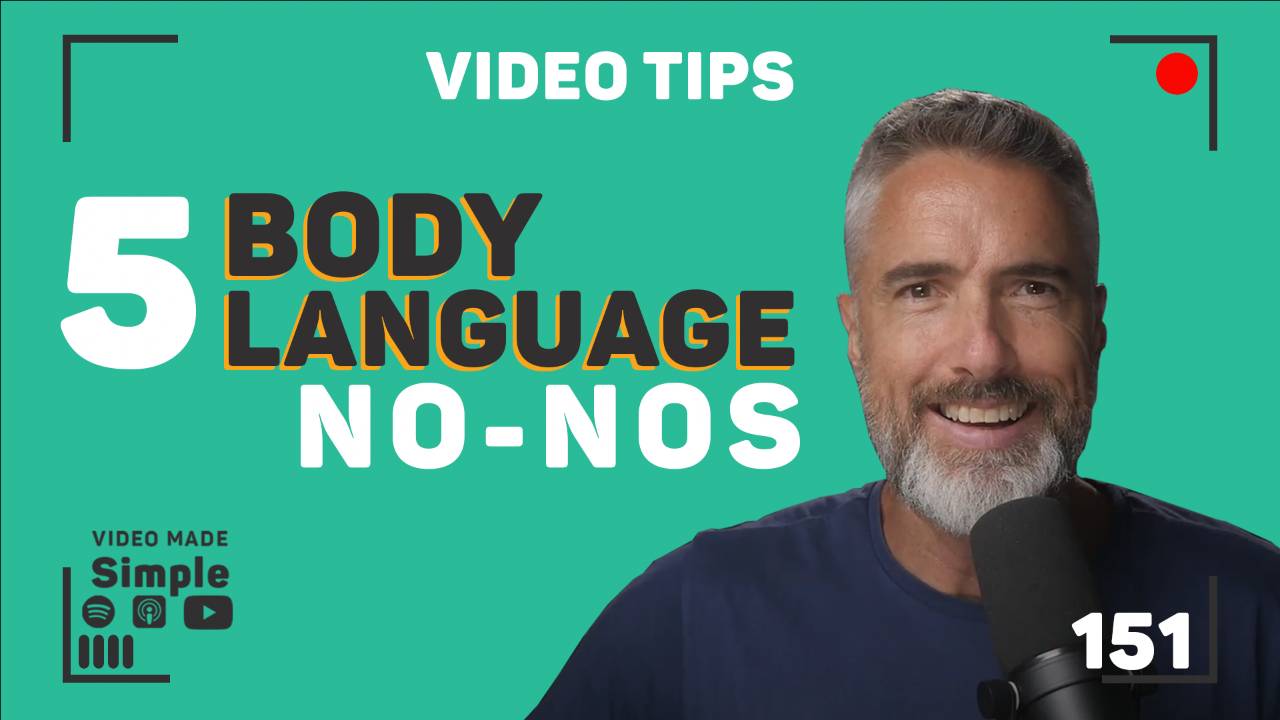
Five habits do most of the damage on camera: slouching, avoiding the lens, a blank face, over-gesturing, and fidgeting. Each one pulls attention off your message and onto you. Sit up, look down the barrel, let your face move, keep gestures deliberate, and put the pen down.
Key takeaways
- Five habits do most of the damage on camera: slouching, avoiding the lens, a blank face, over-gesturing and fidgeting.
- Slouching squashes your breathing, and your breathing is what carries tone and clarity.
- Look into the lens whenever you are speaking, and a teleprompter solves it because the words sit over the lens.
- Expression is audible as well as visible, so let your face move with the message instead of sitting still through it.
- Gesture normally below the frame in a tight shot, and keep gestures few, because fidgeting competes with your eyes, face and mouth, which are the hero elements of the image.
What does slouching actually do to your voice?
It squashes your breathing, and your breathing is what carries tone and clarity. A slouch does not just look uninterested, it makes you sound flatter and shorter of air, which the microphone picks up long before anybody consciously notices the posture. Sit up, shoulders back, feet flat on the floor.
Chris checks his own posture on a side camera mid-recording, which is the tell that this is a habit rather than a one-off correction. Learn the body-language basics that build trust on camera.
Where should you be looking on a video call?
Into the lens, whenever you are speaking. Presenting to the side of your screen gives everyone your profile, and a profile reads as disinterest or nerves whether you feel either of those things or not.
"All you're seeing is their ear hole and that's no good." - Chris Schwager
A teleprompter solves it outright, because the words sit over the lens and you never have to choose between reading and connecting.
What happens when your face goes blank on camera?
Your voice goes flat with it. Expression is audible, not just visible, which is why radio presenters smile at a microphone nobody is looking at.
"If you hear my voice right now, what you'll also be hearing is me force smiling." - Chris Schwager
You do not need a permanent grin. You need your face to move with the message instead of sitting still through all of it. Try the conscious smile that warms up your on-camera presence.
Can you gesture too much in a tight frame?
Yes, and the usual overcorrection is worse. When the frame cuts off around your chest, people start lifting their hands up into shot so the gestures can be seen. Do not. Gesture normally, below frame, and let your shoulders and head carry the movement.
"...that you're not stiff and rigid, that you are loose as a goose, as we say in the business." - Chris Schwager
Flailing arms, repeated pointing and big movements that do not match what you are saying all pull focus off the sentence. Keep the gestures deliberate and few, and an open palm on the point that matters. Watch how body language shapes the way you land on camera.
Why is fidgeting so distracting on video?
Because it competes with the only part of the frame that is doing any work.
"...the focus is on your eyes, face, mouth. These are all the hero elements of the image." - Chris Schwager
A spinning pen, a tapped table, a tugged collar. None of it is a big movement, and all of it makes a viewer wonder whether you are prepared or just nervous. Either way, that is doubt landing in the middle of a pitch. Breathe out before you start, park the props, and if you want the habits worked on properly rather than guessed at, get confident on camera.
Frequently asked questions
Should you look at the camera or at the person's face on a video call?
Look into the lens whenever you are the one speaking. That is what reads as eye contact to everybody watching. When you are listening, it is fine to look at their face on screen, because the pause between you talking is where a glance away costs you nothing. The problem is only ever a whole call spent addressing the side of your own screen.
How do you stop fidgeting when you are genuinely nervous?
Take the props away first. Put the pen down, move the water glass, and keep your hands where they are not tugging a collar or a sleeve. Then slow your breathing before you hit record, because fidgeting is usually nerves looking for somewhere to go. Give the nerves a job instead: one deliberate gesture on the point that matters most.
Is good body language on camera something you can learn, or is it just personality?
It is learned. Posture, where you look, and what your hands do are all mechanical, and they respond to practice and feedback in the same week you start. What makes it feel like personality is that nobody sees themselves the way a camera does, so the habits go uncorrected for years. Watch a recording back with someone who can name what to change.
Is it the gear or the performance that makes you look better on camera?
Both, and the gear is the easy half. Good lighting and a lens at eye level fix the picture, but they do nothing about a blank face or a slouch. Ridge treats equipment as one of four pillars, alongside messaging, on-camera performance and implementation, because a great setup pointed at a stiff delivery still reads as stiff.
Transcript
Read the full transcript
Chris Schwager
Delivering a virtual presentation is more common now than ever before. And when it comes to a new set of challenges like this, your body language is so important on camera, you've gotta be able to have a significant impact on how your message is received, and unfortunately, many of us make mistakes that can undermine our credibility and distract the audience.
[00:00:28] Whether you are delivering a pitch or a speech, you're conducting a webinar, or simply pitching an idea to your team. In this episode, we're gonna cover the dos and don'ts of body language on camera, so you can avoid these pitfalls and deliver a more engaging and effective virtual presentation. I'm your host, Chris Schwager, welcome to Video Made Simple.
[00:00:50] So why do you need to move while presenting? Christine writes, yeah, that's my script writer, by the way.
[00:00:58] Did you know that 90% of communication is nonverbal? That's why using body language and movement during virtual presentations is critical for connecting with your audience, but winging it won't cut it. Conscious movement makes all the difference in appearing confident, engaging, and unforgettable. Without it, you risk coming across as robotic and stiff and uninteresting, as people watch you look like paint and dry. So, Let's avoid these bad body language habits during virtual presentation. And here are my five top tips to steer clear of bad body language.
[00:01:47] Here are the five bad body languages practices, people do and how to avoid it, right? Firstly, poor posture. Now, as I do this and read this, I'm so keen on understanding whether I'm, I should cut to my side cam here to make sure my back's straight while I read this. Slouching can make you appear unprofessional and a lack of interest and confidence, not to mention it can also affect your breathing. Hmm, which can impact the tone and clarity of your voice. So to, uh, sit up straight with your shoulders back, and your feet flat on the ground, this can help you appear confident and professional.
[00:02:30] Two, lack of eye contact. Now I'm fortunate, I've got the DIY Desktop Studio with my teleprompter, and I'm giving you a hundred percent of my eye contact right now. But not making eye contact or having the side of your head in a video call is incredibly distracting. You dunno what they're looking at. All you're seeing is their ear hole and that's no good. So making eye contact can be perceived as a sign of disinterest or incen insincerity, or a lack of confidence if you don't give the right amount of eye contact. On the other hand, maintaining eye contact is key to creating a connection with your audience. When you're speaking, make sure to look directly into the camera lens.
[00:03:13] Lack of expression is number three. Facial expressions can convey a lot of information. If you hear my voice right now, what you'll also be hearing is me force smiling. Now it makes a big difference and to the way that I'm delivering this message. And if you are in your car right now, flick over to a radio ad and you can hear when presenters are actually using smiling as a tactic to make things sound slightly different. It's really, really interesting to to listen out for, and a lack of expression can make you appear unengaged and disinterested. So make sure to smile when appropriate and use facial expressions to help convey your message.
[00:03:55] Four over gesturing. Ooh. This is interesting because over gesturing, particularly when you've got a frame that's around your chest and you know it's fairly tight. Lots of people are a bit unsure about what to do with their hands.
[00:04:07] They're like, oh, well if the frame's above my chest here and you're not seeing my hands, should I compensate? Like Talladega Nights, the Will Ferrell film, you know, they get their hands above, above the frame so they can be seen in the shot. And the answer is no. Alex are ridiculous. But your body language, even while it's out of shot still, is a big important part of communicating because your body, upper body, your head, your shoulders is still moving and going along for the ride, and that's still really important for people to see that you're not stiff and rigid, that you are loose as a goose, as we say in the business. While gesturing can be an effective way to emphasize key points, too much gesturing can be distracting, and take away from the message. Make sure your gestures are intentional and used sparingly. An example is using too many hand movements or exaggerating body language, such as constantly flailing your arms, pointing excessively, repetitive hand movements, or using big movements that are not in line with your message you are conveying. Instead, be conscious about your gestures. Make sure they're intentional and not distracting. Pointing or using an open palm can be effective to emphasize a point. And if anyone's received a enquiry to a, sorry, a reply to an enquiry video from me, could see in the first couple of seconds me gesturing to the Desktop Studio. Uh, and that is my first point of body language that I'm typically consciously doing in those, in those videos.
[00:05:44] And number five is fidgeting. Yeah. Good point. Imagine you are giving a virtual presentation to a group of potential clients. You're trying to explain the benefits and look professional and the expert with authority. You're trying to explain the benefits of a product, but you're feeling a little nervous, which we all do, from time to time. You start to fidget with the pen in your hand, tapping in on the table or spinning it around. You're also, you also keep adjusting your clothing, pulling out your sleeves, and tugging out your collar.
[00:06:15] All this movement is distracting. It's taking away from the message you're trying to convey, okay? And that's no good because the focus is on your eyes, face, mouth. These are all the hero elements of the image. Potential clients might start to wonder if you're really prepared for this presentation or if you are just nervous and not confident in your product. Either way, there's uncertainty and there's doubt, and you wanna avoid that. So it's important to keep your movements to a minimum and avoid fidgeting with objects or your clothing. Take deep breaths and try to relax your body before you start your presentation and focus on using intentional purposeful movements to emphasize your key points.
[00:06:58] Remember, your body language should match the tone and the message that you're trying to present. Paying attention to your body language and making adjustments as needed can help you deliver a more effective and engaging virtual presentation. Let's make sure your next virtual presentation is a success, uh, looking to improve your virtual presentations and get rid of those bad body language habits.
[00:07:21] Well, our expert of team. Our expert of team, wow. Our team of experts maybe can help. And we offer personalized coaching and feedback to help you present like a pro, including tips on posture, eye contact, facial expressions, and more. You gotta go ahead. Subscribe to this channel. Use the comments in the in the area below, or contact us to learn more.
[00:07:43] Don't forget to subscribe to our channel for more valuable Video Made Simple ideas. Thank you so much for listening. That's all for this episode, and see you next week. That's my hand gesture.
Which of these sounds like you?
"Setting up takes so long I end up not recording." That is what the Desktop Studio removes. Installed for you, one click to record.
"I record, but I don't like how I come across." That is what Video Coaching is for: messaging, performance, tech and implementation, worked live every week.
"Honestly, both." Book a call and we will work out where to start.
Where to start
Desktop StudioInstalled for you. One click to record. Video CoachingMessaging, performance, tech and implementation, worked live every week.Two halves of one system. Book a call and we will work out where to start.

