
How Do You Make Your Webinars Look More Professional?
Oct 30, 2026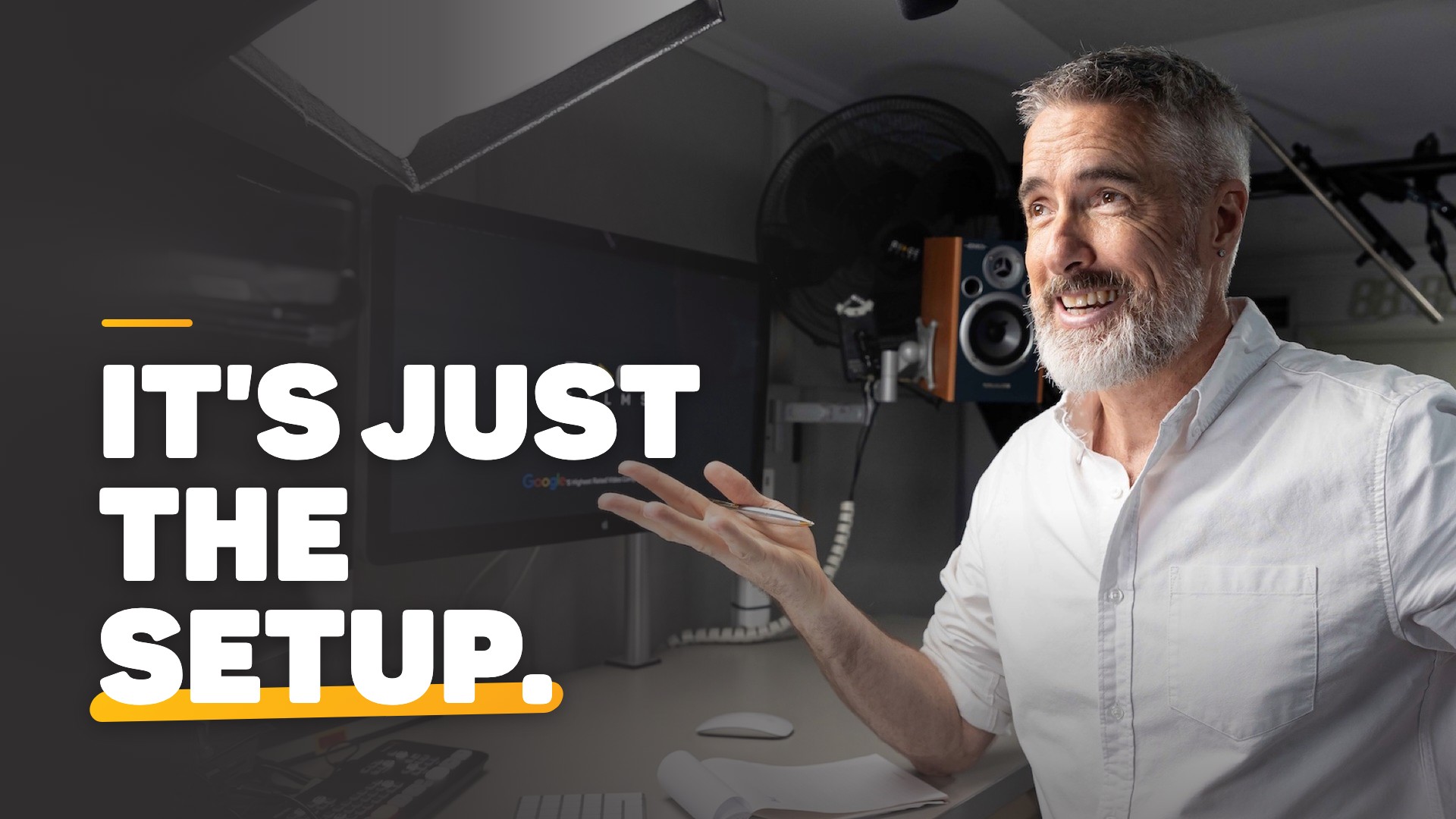
To make a webinar look more professional, fix five things: light your face from the front, get your voice off the laptop microphone, raise the camera to eye level and talk to the lens, show slides for seconds rather than minutes, and present with more energy than feels natural. People judge the picture before the content.
Key takeaways
- People decide how much to trust a presenter from the picture and the sound before the content lands.
- Front light, an external microphone and a camera at eye level fix most of what makes a webinar look home made.
- Looking at the lens instead of the screen is what makes a webinar feel like a conversation.
- Slides should come in for a few seconds and go, so the audience spends the hour with you.
- Smiling before you start, going faster than feels right and lifting your tone change how you come across.
Why do so many webinars look unprofessional?
Because they are run on a laptop. The camera sits below your eye line, the light comes from above or behind, the microphone picks up the room, and the slides take over while you shrink to a thumbnail. A small audience who knows you will forgive it. Bigger clients deciding whether you are the expert are less forgiving.
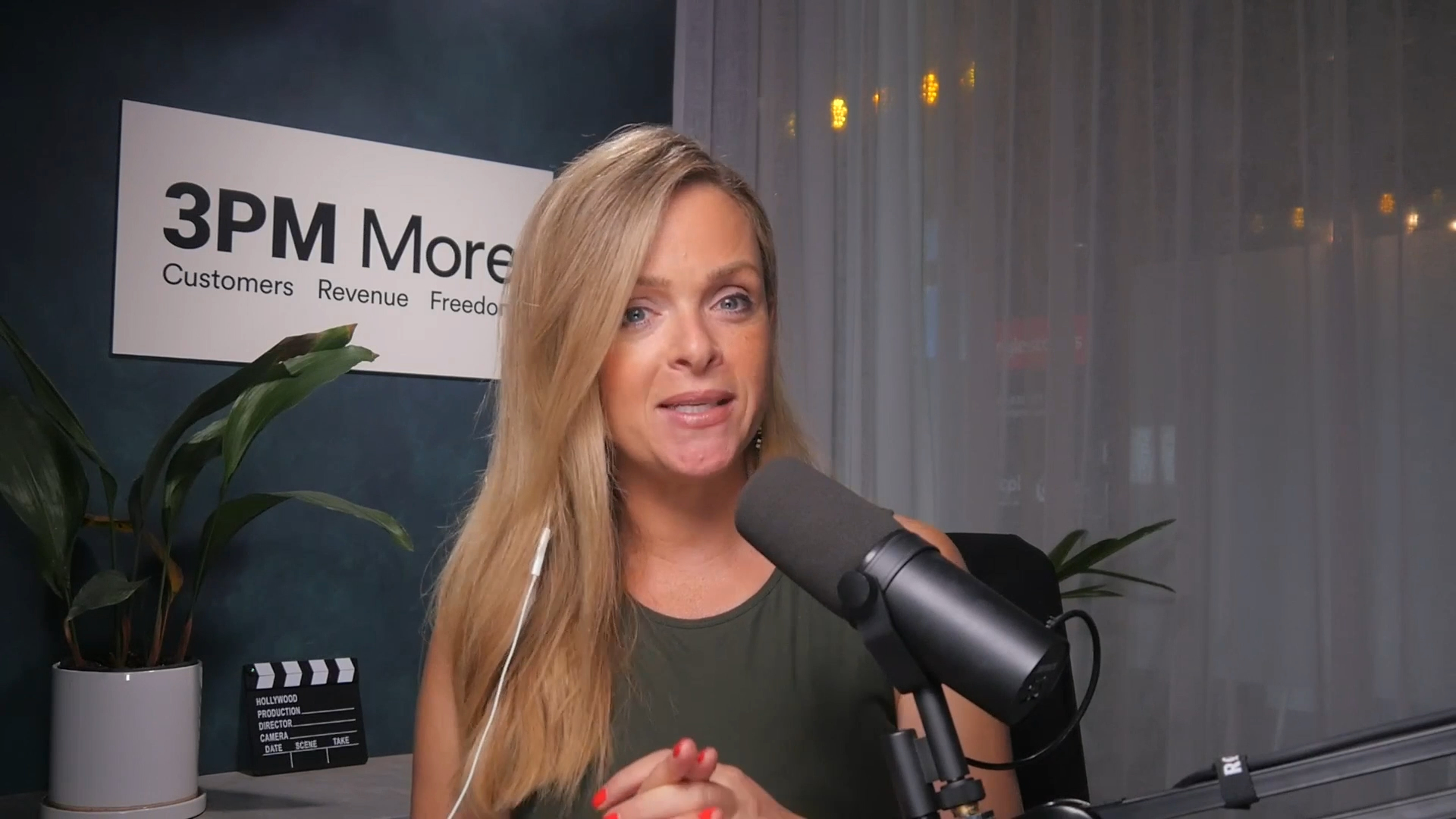
Sonia Majkic of 3 Phase Marketing runs a monthly masterclass for her clients, and she explains why the picture carries so much weight:
"If you are showing up, you know, with your screen that's fuzzy, your audio's not dialled in... the background doesn't look right... all of those factors, even though they might seem insignificant, it's your first impression and you only get one of those." Sonia Majkic
What can you fix before your next webinar?
Plenty, and nearly all of it is free. Do these the day before:
- Light from the front. Face a window or put a lamp behind the screen. Light from behind makes a silhouette. Try these free lighting fixes for video calls.
- Get the sound off the laptop. A laptop microphone picks up the room. Any external microphone close to your mouth is an upgrade. Get the audio right for your next video call.
- Raise the camera to eye level. Stack books under the laptop and frame yourself from mid chest up.
- Clear the background. A plain wall, a plant or a sign with your business name. Skip the virtual background that eats your ears.
- Rehearse the tech. Log in 15 minutes early, test a slide share and the sound, and close everything that pings.
For nerves and backdrops, see our webinar presentation tips.
Why does looking at the camera matter so much?
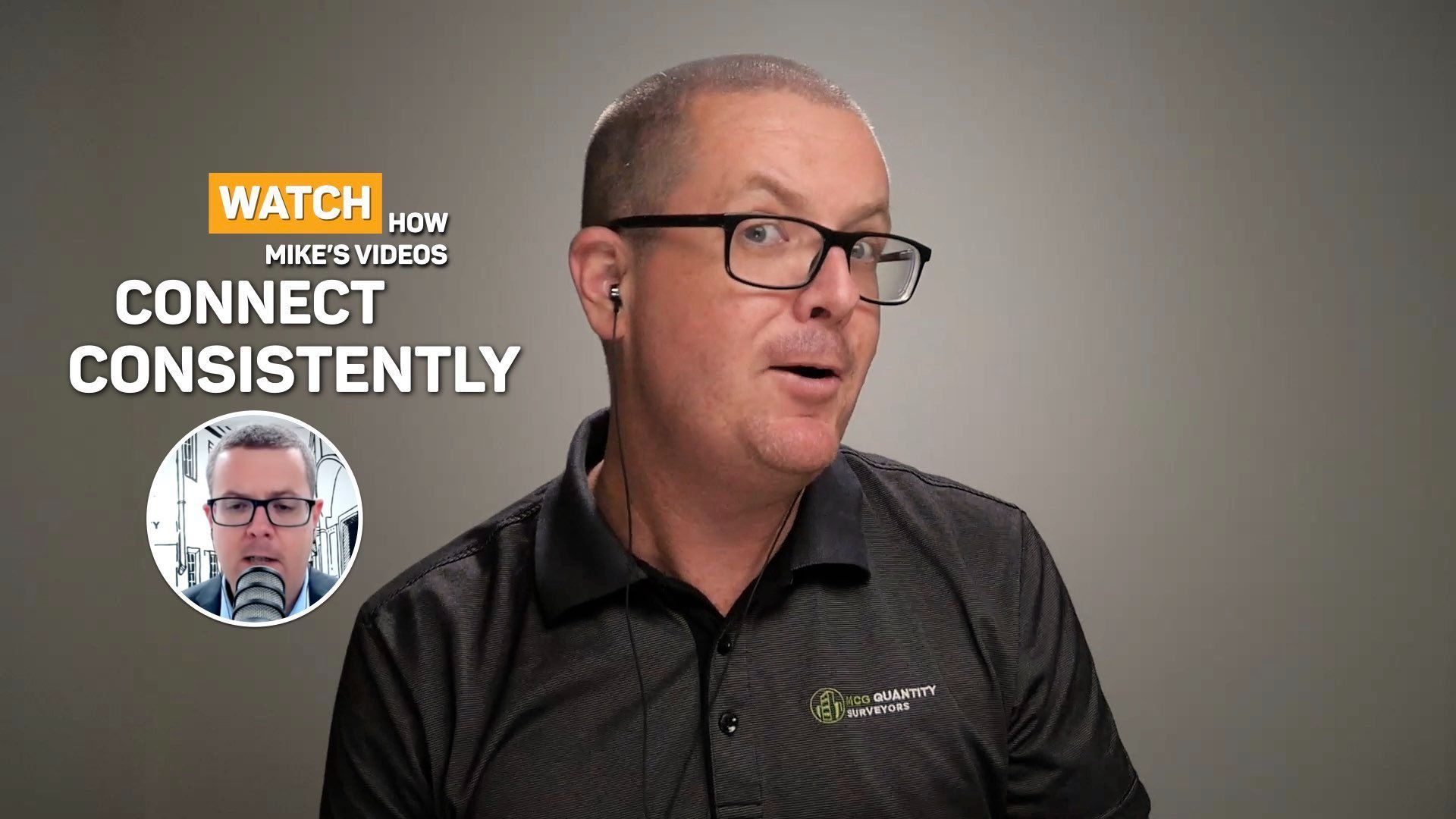
Because it is how the audience feels you are talking to them. Look at their faces on screen and you appear to look down and past them. Mike Mortlock of MCG Quantity Surveyors runs meetings, webinars and up to seven podcasts a week from his studio:
"Being able to come in here, turn it on and look down the barrel instead of that normal, like the camera's up here and it's like, Hey, hey Chris... It's just so impersonal." Mike Mortlock
 Watch from 18:38
The free fix is a habit: when you make a point, look at the green light, and glance at the chat between points. His full story is in Mike Mortlock's quantity surveyor case study.
How do you show slides without disappearing behind them?
Bring a slide in to show the number or the diagram, say what it means, and come back to your face. Leave a slide up for the whole hour and the audience watches a document while you become a voice. Keep yourself in a small picture in picture while it shows, and drop the title slide with your name on it: they registered, they know what it is about.
On a laptop that means stopping and starting the screen share. With a video switcher it is one button each way: switching between slides and camera on the ATEM Mini Pro. For what goes on the slides, read how to structure a webinar.
How do you come across better as the presenter?
By giving the audience more energy than feels comfortable. Chris runs a free monthly masterclass on Zoom, and in one he put it this way:
"The meaning behind things doesn't just come from the words, it comes from how those words are delivered. And that's where authority is either reinforced or quietly lost." Chris Schwager
Three changes from his live coaching:
- Smile before you say a word. A resting face on camera reads as concerned.
- Go faster than feels right. Slow gives the audience time to notice every crack in the delivery.
- Lift your tone. Start high, rise on a comma and drop at a full stop, so people hear where each point ends.
A script helps more than people expect. At the end of one masterclass Chris told the room: "The first 35 minutes of this webinar, I had a teleprompter script in front of me." One attendee said it gave a very different feel to any other webinar he had been on.
What changes when the setup is done for you?
You stop fiddling and start presenting. Everything above works, and it has to be redone every time: the lamp moves, the books get borrowed, the microphone lives in a drawer.
Sonia runs her webinars from a Desktop Studio:
"I still get people that come to my webinars and my master classes, and the first thing they do is they go, wow. And it's not me, it's just the setup." Sonia Majkic
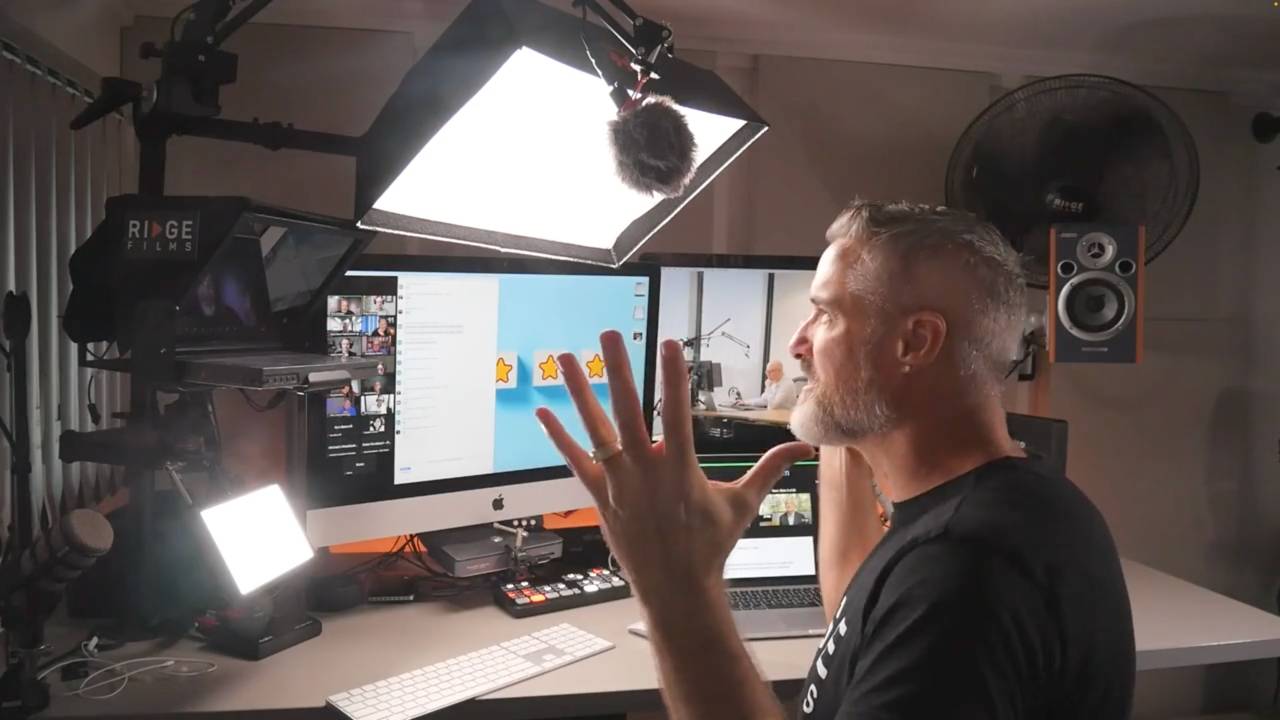
Read how Sonia built her content with a Desktop Studio. The camera, light, microphone, teleprompter and switcher are installed once and stay put, so the teleprompter sits over the lens and slides are one button away. The studio also works as your Zoom or Teams camera, covered in the guide to video for sales and webinars.
Professional webinar questions
Do I need expensive gear to make a webinar look professional?
No. Face a window or a lamp, raise the laptop to eye level, plug in an external microphone and look at the lens when you make a point. Those four changes do more than a new camera.
Should I look at the camera or at the audience during a webinar?
Look at the camera when you speak, and glance at the chat between points. Looking at faces on the screen reads as looking down and away.
How long should a slide stay on screen in a webinar?
A few seconds. Bring it in, say what it shows, then come back to your camera, staying in a small picture in picture while it is up.
Can you use a teleprompter in a webinar?
Yes. With the script on glass in front of the lens you keep eye contact while you read. Chris ran the first 35 minutes of one of his own webinars from a teleprompter and told the audience at the end.
Where should you start before your next webinar?
With the free fixes: light from the front, an external microphone, the camera at eye level and your eyes on the lens when you make a point. Run your next webinar that way, then watch the recording back. You will see the difference before anyone tells you.
If the setup is the part you never want to think about again, we install a Desktop Studio on your desk and it is ready every time you go live. If the delivery is what holds you back, read how video coaching works. Either way, book a call and tell us about the next webinar you have coming up.

Where to start
Desktop StudioInstalled for you. One click to record. Video CoachingMessaging, performance, tech and implementation, worked live every week.Two halves of one system. Book a call and we will work out where to start.

