
What Makes a Thumbnail Clickable? Four Things to Check
Sep 26, 2022
A thumbnail is clickable when it makes one clear promise that someone can read in a second on a phone. Four things decide it: a few big words that say what the video delivers, text that still reads when it is shrunk, a face making eye contact, and a look that stands out from the thumbnails around it.
Key takeaways
- A clickable thumbnail makes one promise that a viewer can read in about a second on a phone screen.
- Keep the words to three to five, big and high contrast, and never paste the full title onto the image.
- A face at a real size, making eye contact, stops the scroll better than a small avatar in the corner.
- Judge every thumbnail at fingernail size before it goes out, because that is the size people choose at.
- When every thumbnail nearby is bright and busy, a different look does more than extra colour.
Why do good-looking thumbnails still get ignored?
Because there is no idea in them. Ridge settles the idea before anyone touches type, colour or crop, and the test is short: say what the video is about in three words. If you can't, every design decision after that is decoration, and you end up with a face, some words beside it and no reason to click.
Linh Podetti built the YouTube channel for her business, Outsourcing Angel, and puts the stakes plainly:
"And then thumbnail is kind of helping you to compete against all the other searches that will come out if you have a really crappy thumbnail." Linh Podetti
The thumbnail is one piece of a wider question about what each video is for, which is covered in the video strategy guide.
What has to be in a clickable thumbnail?
Four things, from the episode this post is based on:
- A promise. The words on a thumbnail say what the viewer gets, simply enough to read in a second. They work alongside the title rather than repeating it. If wording is where you get stuck, learn the five rules of a headline people actually click.
- Text you can read. Big, bold and high contrast, with few enough words to survive being shrunk.
- A face. People stop to read a face, and a recognisable one stops them harder.
- Something that says it is you. A colour, a type style or a mark that repeats on every video, so people who already know your work spot it before they read a word.

How big should the words on a thumbnail be?
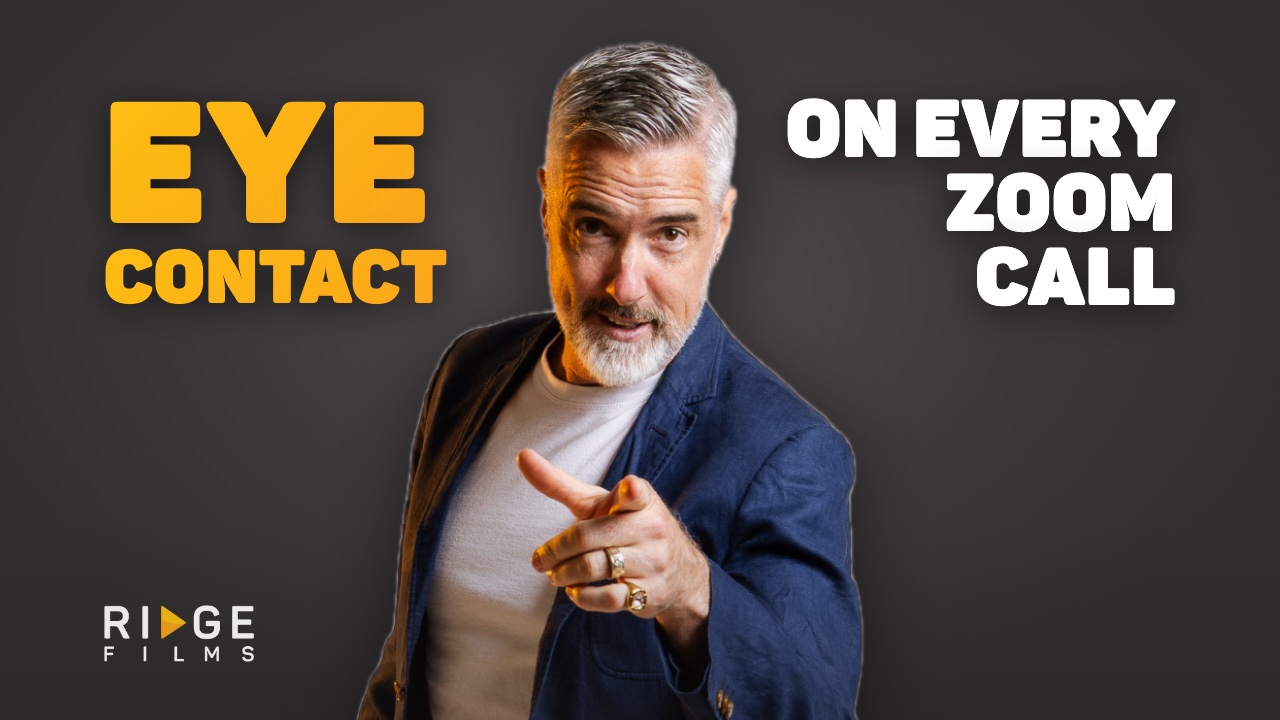
Bigger than feels comfortable. Ridge's own rule is three to five words, in heavy type that fills the frame, with slightly looser letter spacing than a headline so the letters stay distinct when small. White or orange on charcoal, strong contrast only. Thin type and grey on dark both disappear at real size.
Leave the full title off. Linh sees people paste it straight on:
"You know, copying your title, putting it onto your, uh, thumbnail, and it's so long and so hard to read." Linh Podetti
And keep every word and logo about 8% in from each edge. A word that gets cropped is a fail on its own.
Does a face make a thumbnail more clickable?
Yes, when it is big enough to read an expression from. A face that fills a good part of the frame, eyes visible and looking down the lens, with some energy in it, does the work. A small circle avatar in the corner does very little.
How do you test a thumbnail before you publish it?
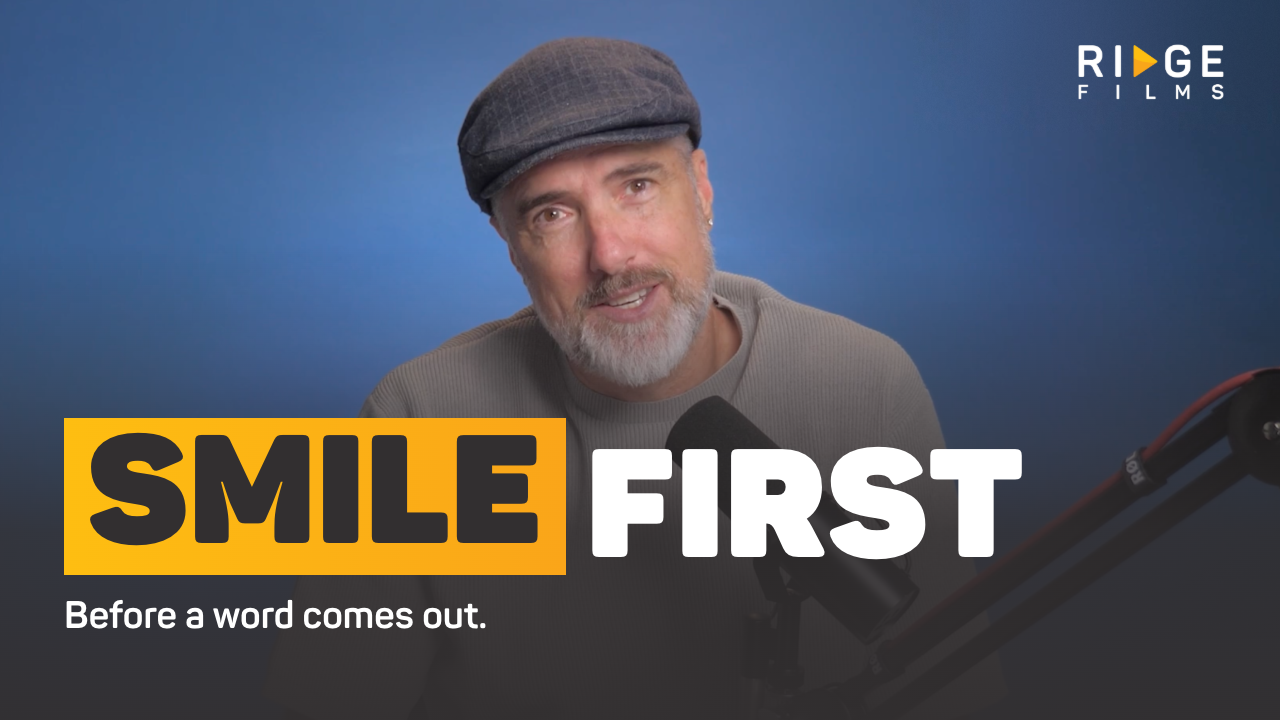
Shrink it. People choose thumbnails at about the size of a fingernail on a phone, not at full width on the monitor where you designed it. Linh's check is the same:
"So you really need to, um, you know, check your mobile and be able to see that. Does this thumbnail just straight out, pop few words? Tell me what that video is." Linh Podetti
Then ask the honest question: is this just a face with words beside it and no idea behind it? And if a set of thumbnails reuse the same photo and the same layout, that fails too, even when each one looks fine alone.
How do you stand out when every thumbnail looks good?
Change direction. If your colourful thumbnail sits in a row of other colourful thumbnails, more colour only helps you blend in. Black and white in a bright row does the opposite, and so does a single object on a plain background when everyone else is using a face.
Over time, the bigger win is a formula people recognise. Ridge uses the same font, the same orange highlight on one word and the same face treatment on every video, so the channel is recognisable before anyone reads a word.

Does putting someone's name in a thumbnail work?
In a video sent to one person, yes. A prospect's or client's name on the thumbnail is hard to ignore, because it is plainly not a broadcast. Chris does it with a low-tech trick: he writes the name on a whiteboard in black marker and holds it up as the first frame, so the platform picks it up automatically. It isn't pretty, and it works.
That is a different job from a public thumbnail, and what makes a sales video thumbnail work covers it properly. Winning the click is also only half of it: the first few seconds decide whether the viewer stays.
Thumbnail questions we get asked
What is a video thumbnail?
The still image that represents your video before anyone presses play. It shows in search results, feeds and email, and it is the first impression of the whole video, often the only one you get.
What is the picture before you click on a video called?
A thumbnail. Platforms such as YouTube let you upload your own, and most will pick a random frame from the video if you do not.
What makes a YouTube thumbnail clickable?
The same four things, with one extra pressure: on YouTube your thumbnail sits in a grid of others. A clear promise, words you can read at phone size and a face making eye contact get you level with them. Looking different from the row around you is what wins the click.
How do you make a clickable thumbnail without a designer?
Write what the video is about in three words, pick one word to highlight, and set it as large as it will go with room to spare. Use a real photo with eye contact rather than a stock image. Then shrink it to phone size and check you can still read it.
Should you use the thumbnail the platform picks for you?
No. An automatic frame is whatever the video showed at that moment, usually mid-blink or mid-word, and it promises nothing. Choosing your own takes minutes and is the easiest fix on a video you have already recorded.
Transcript
Read the full transcript
Chris Schwager
Welcome to the Video Made Simple podcast. It takes a mystery out of video production and provides business leaders support to help them break through the monotony of day to day communication.
[00:00:12] I'm your host, Chris Schwager. And if you want prospects and clients to click the play button of your video, whether it's on social media, YouTube, or emails and increase views, then here's a video marketing tip, make that thumbnail clickable.
[00:00:28] Most of the time a thumbnail is a static image within the player that represents your video and gives the audience an idea of what the viewer will see at a glance. The term thumbnail originated with still images. A thumbnail was a smaller version of a full digital image that could easily be viewed while browsing a number of images.
[00:00:51] A video thumbnail is your viewers first impression of your video. I can't stress how important it is these days to get that thumbnail looking right. Because it is the click bait. A good thumbnail makes you wanna watch a video, but it will also create a perceived point of difference from competing videos around it such as you might have been seeing on YouTube.
[00:01:15] So the essential elements of a thumbnail, here's a couple to consider.
[00:01:20] First, thumbnail title. Have it clearly convey your video subject, which needs to be simple. Promise what you're going to deliver in that title. Two, be big, bold, and easy to read when you include text in your thumbnail. Three, the face or the hero at the forefront of the thumbnail can improve clickability. For example, if it's a celebrity face or it's somebody recognizable, so consider that. Four include branding. If it's a well known brand, of course, you know, the apple for apple Mac, of course, people are gonna know there's something in there about apple. So it's very easy to recognize.
[00:01:59] The best practices for generating thumbnails. Here are a couple there's multiple CTAs. You can use to call them to act on your video. So here's a couple that you're gonna be able to use. One don't rely on random generated thumbnail of the app, such as YouTube or Instagram. You've gotta personalize your thumbnail as much as you can and that takes time. Writing subject lines and thumbnails is one of the hardest things to get right. Uh. There are specialists out there that can support you with that. You know, we are very particular about it and we know how much energy goes into providing thumbnails for our clients. In video emails, for instance, put the name of your prospect or the client in the thumbnail. You know, who can resist a message that has their name on it. So that's a really great tactic. I use a whiteboard scribble, a black marker on a white board and hold it up as the first image. So it's auto populated by the time I publish the content, because I want that to be fast. It's not overly attractive. But it works. It definitely works. Hi Jonah. It totally works to have that in there.
[00:03:07] Two, make it look different. Now I'm talking about YouTube because if your colorful thumbnail is in the sea of other competing channels, all with beautiful colored thumbnails. And it may be time to think about how you can look, make it look different and change it up a bit. Colors are a key factor in how to make your thumbnail great. But if everybody's color, maybe you consider black and white or just changing it up in the design and getting professional design to look at it. Example, YouTube platform is either primary, white or black or gray. So. Bold colors can really pop out. Use the colors that feature your brand design to leave a longer impression. And so that people won't forget. So I'm talking about really corporate cohesion here. I'm talking about a color that's recognizable. If people already subscribe to your brand, they're gonna get that consistent look and feel across all of your videos, no matter where they are.
[00:04:05] Three use close ups as hero images, as much as possible faces really matter in this process, make humans stop to register the face and study it. Whether they're done subconsciously or otherwise, faces can really help convey what the video is going to be about. And we all know that faces, we all gravitate towards faces in any decision making process.
[00:04:30] And four, make it large, make it bold, make it loud, sum up precisely what the video will be about. Thumbnail strategy, posing a question to make people want to click and find out how good it is and what it is you are trying to say . Is vitally important.
[00:04:49] So here are some examples of what a catchy thumbnail might look with the text. So here's a dog food company. They could probably put why I will never choose this dog food. Now that is really interesting and particularly when you've gotta maybe the product on there as well, it's a very compelling title to be clicking on because those that are purchasing dog food, for instance, want the pros and cons and they wanna explore everything before they go down that rabbit hole. Uh. Another great one. Uh. "Is this dog food real?" Again, very compelling. Um. Leaves the, uh, potential viewer wondering yes or no to that question, which is a really great start as well. And finally, another example of dog food. "Is this the best dog food" Arguably. You don't know until you click and find out. So there's some great examples of how to customize video thumbnails. It can make all the difference when it comes to viewers clicking through to your video.
[00:05:54] Good thumbnail makes you wanna watch the video, a bad thumbnail or no thumbnail is gonna do nothing. If you want more personalized coaching on creating thumbnail images to improve your performance of your videos, then jump on a 15 minute video call with me and tell me what I can help you with join in next week where you'll get weekly Video Made Simple ideas to present your videos like a pro that's all for this episode.
[00:06:19] Thanks again for listening and see you next week.
Which of these sounds like you?
"Setting up takes so long I end up not recording." That is what the Desktop Studio removes. Installed for you, one click to record.
"I record, but I don't like how I come across." That is what Video Coaching is for: messaging, performance, tech and implementation, worked live every week.
"Honestly, both." Book a call and we will work out where to start.

Where to start
Desktop StudioInstalled for you. One click to record. Video CoachingMessaging, performance, tech and implementation, worked live every week.Two halves of one system. Book a call and we will work out where to start.

