
How to Look Professional on Zoom and Teams Calls
Oct 29, 2026
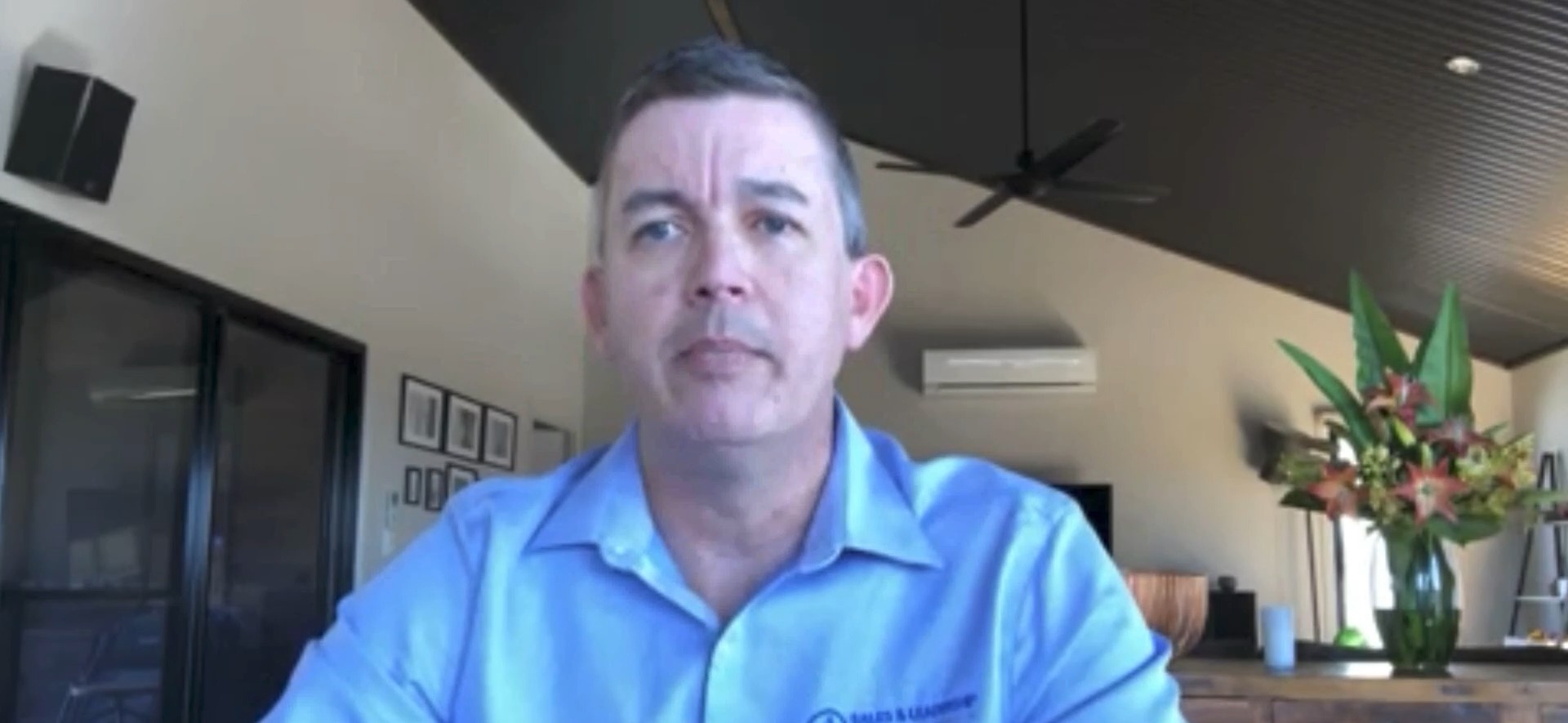
To look professional on Zoom and Teams calls with clients, get soft light onto the front of your face, keep your eyes near the lens, make your sound clear, and then stop adjusting. Clients read a dark, grainy laptop picture with poor sound as a sign of a smaller, less organised business, whether or not that is fair.
Key takeaways
- Clients read poor video and sound as a sign of a smaller, less organised business, even when your work is excellent.
- Light the front of your face: face a window or put a dimmable lamp in front of you, and never sit with a window behind you.
- Turn off Zoom's automatic low-light adjustment and switch on HD, so a good room doesn't look like a bad one.
- Keep the faces you're talking to, and any notes, right beside the lens so your eyes stay on the camera.
- If you spend hours a day on calls, a setup that is ready the moment you sit down removes the fiddling for good.
Why do clients notice how you look on a video call?
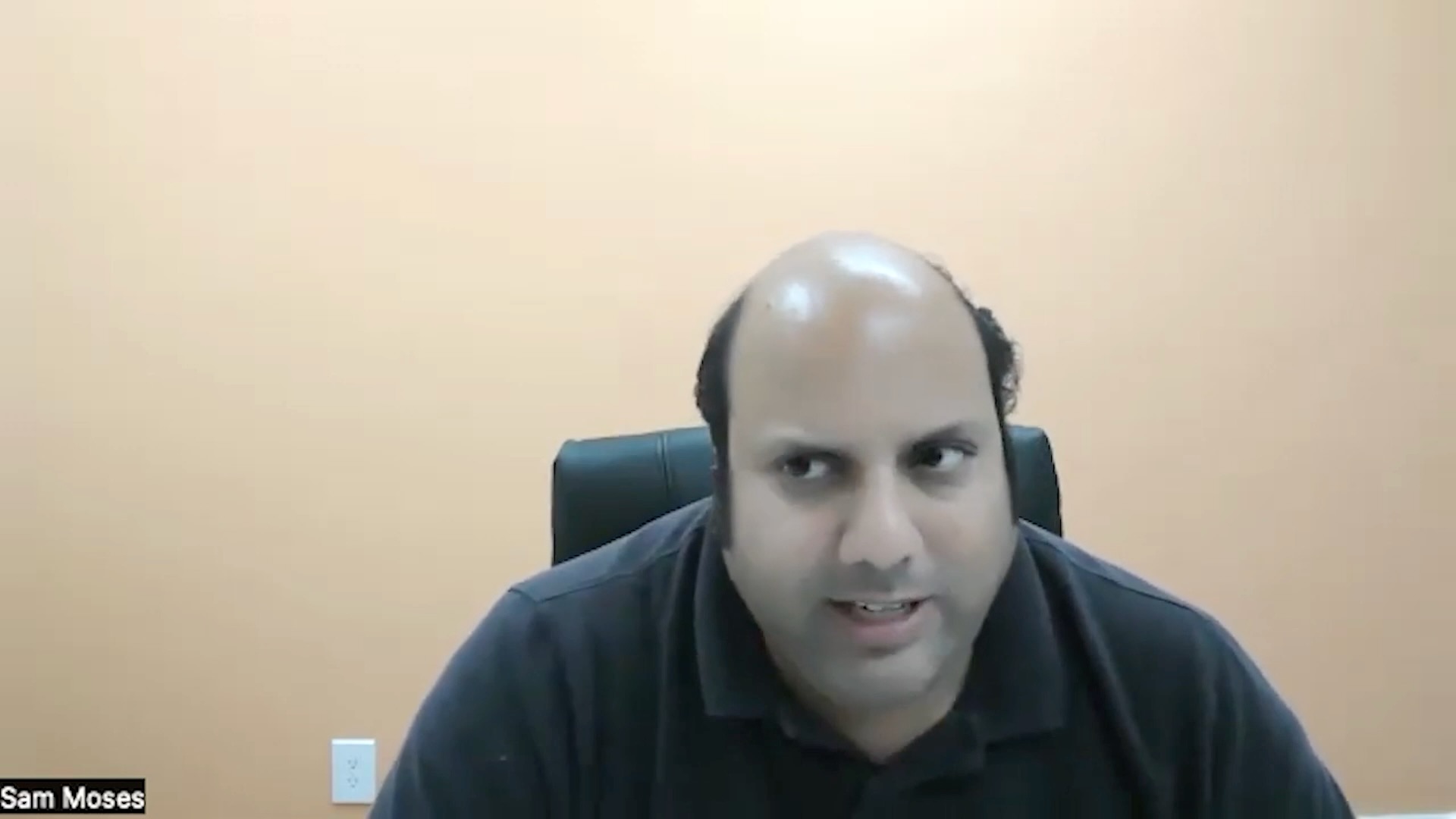
Because the picture arrives before anything you say. A grainy, backlit webcam doesn't just look tired, it hints at the size and polish of the business behind it. Sam Moses supplies branded socks to corporate clients and pitches deals worth $15,000 to $20,000 to senior executives over video. He put it plainly:
"I think it's kind of like a tell. That you don't, you kind of like a small company or you're not really professional." Sam Moses
It cuts both ways. Once Sam fixed his setup, prospects started stopping the conversation to ask how he had done it. One asked whether he had a TV studio in his office. You can read how a better setup lifted Sam's close rate.
Hear Sam say it himself, from 1:04 in his interview with Chris:
What should you fix first?
The light. Your eyes adjust to a dim room in seconds and a webcam doesn't, so it needs far more light than you think, and a window behind you makes it give up on your face entirely. Four moves, in the order worth trying them:
- Face the window. Daylight in front of you is the best light you will get for free. Behind you, it turns you into a silhouette.
- Use a lamp you can dim. Any lamp in front of you beats no lamp, and a dimmer lets you take the harshness off.
- Let your monitor fill in. A large, bright screen throws soft light across your face, which helps in a dim room.
- Set it once and leave it. Every tweak invites another one. Decide it is finished.
If the desk can't move and the window stays behind you, close the blinds completely and light yourself from the front. The full walk-through is in free webcam lighting upgrades for your video calls.
Which Zoom settings make you look worse than you are?
Two, and both take seconds to fix.
- Automatic low-light adjustment. Zoom turns it on by default. It keeps correcting your picture, so your face brightens and darkens every time you move or a cloud goes over. Turn it off in your video settings.
- HD. If you look squashed or soft, go into your Zoom video settings, find the HD option and switch it on.
Teams and Google Meet work in a similar way, each with its own quirks, so look for the equivalent settings. The principle is the same: stop the software from second-guessing a room you have already lit properly.
How do you keep eye contact with clients on a call?
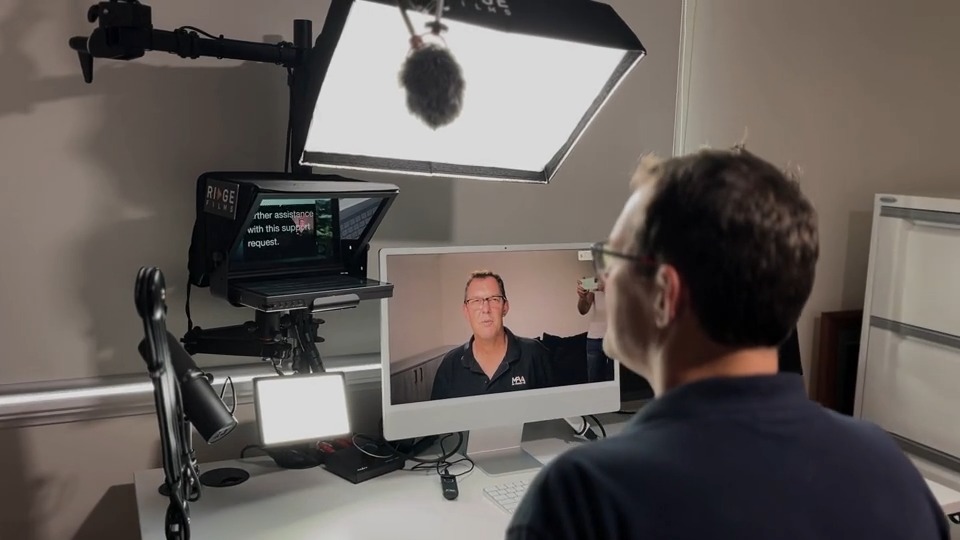
Bring their faces to the lens instead of chasing them around your screen. In Zoom, pin the person you are talking to and double-click to make them full screen, then drag the small window of everyone else up beside your camera. If you work from notes, keep them in a narrow column sitting right over the lens, so you can read a line and still be looking at the client.
Your audience sees none of these windows. They only see where your eyes are pointing. Chris demonstrates the whole layout in how to keep eye contact on a Zoom call.
Does sound matter as much as the picture?
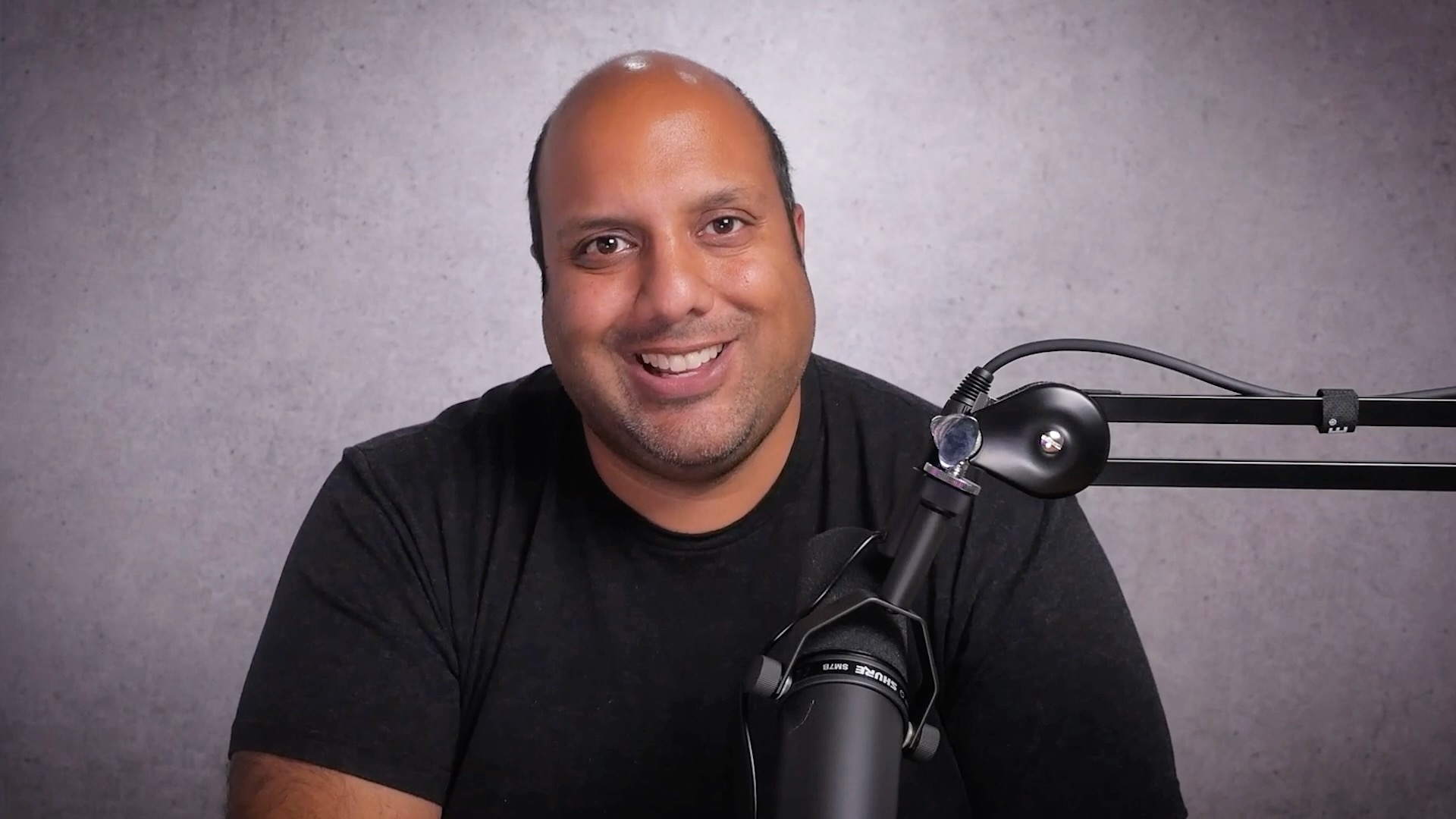
Clients notice it too. Sam listed bad sound alongside bad lighting as part of the tell, and once he had fixed both, people started commenting on how good his audio was.
When is a permanent desk setup worth it?
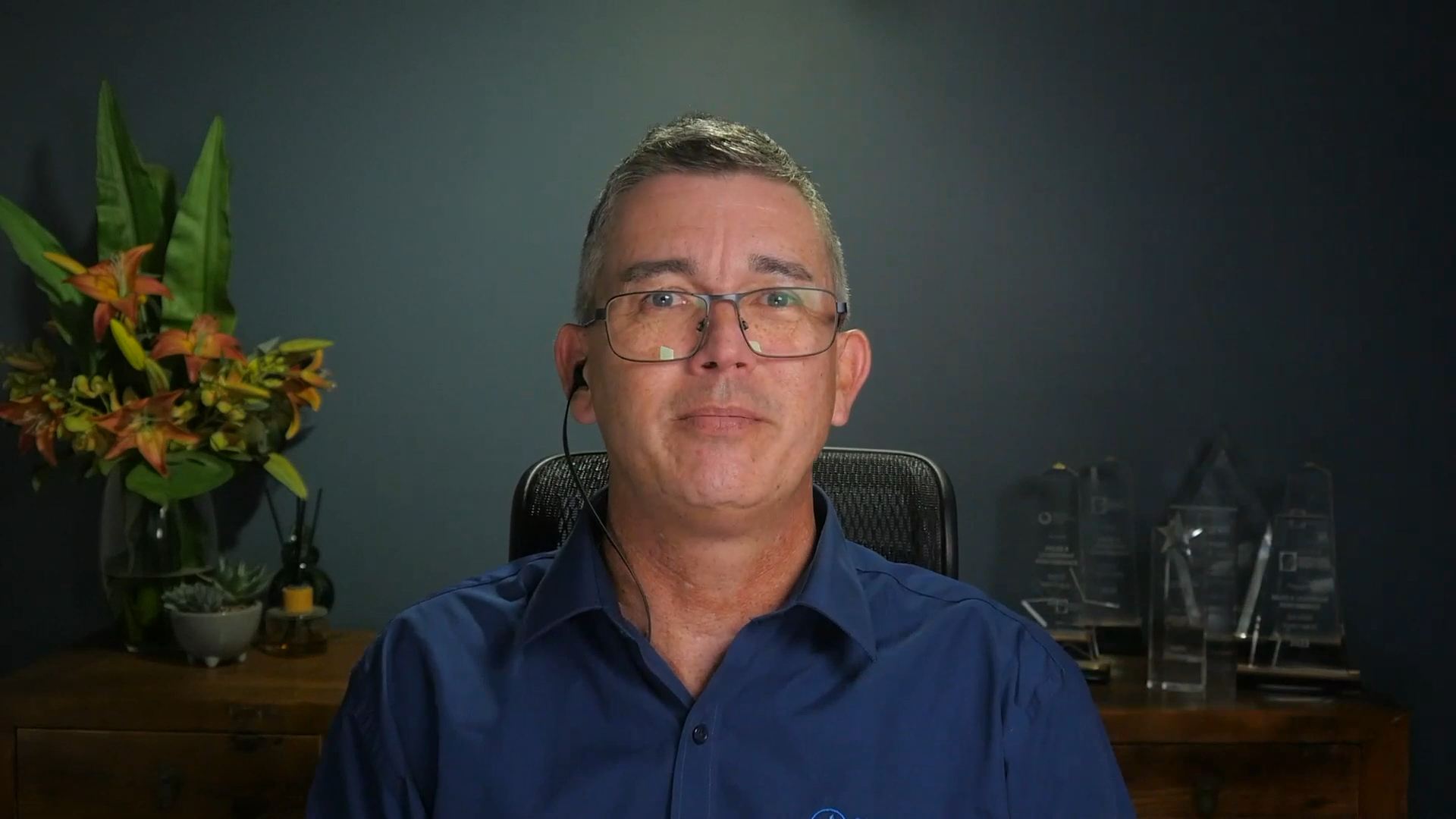
When you are on camera most of the day. Greg Gladman runs a sales and leadership coaching business and worked out he was on camera for at least four hours a day, sometimes eight or more, running strategy sessions, coaching and sales calls.
"If I'm spending so much time in front of the computer, in front of a camera... it just seems silly to have a little crappy one that's sort of linked to the top of a laptop." Greg Gladman
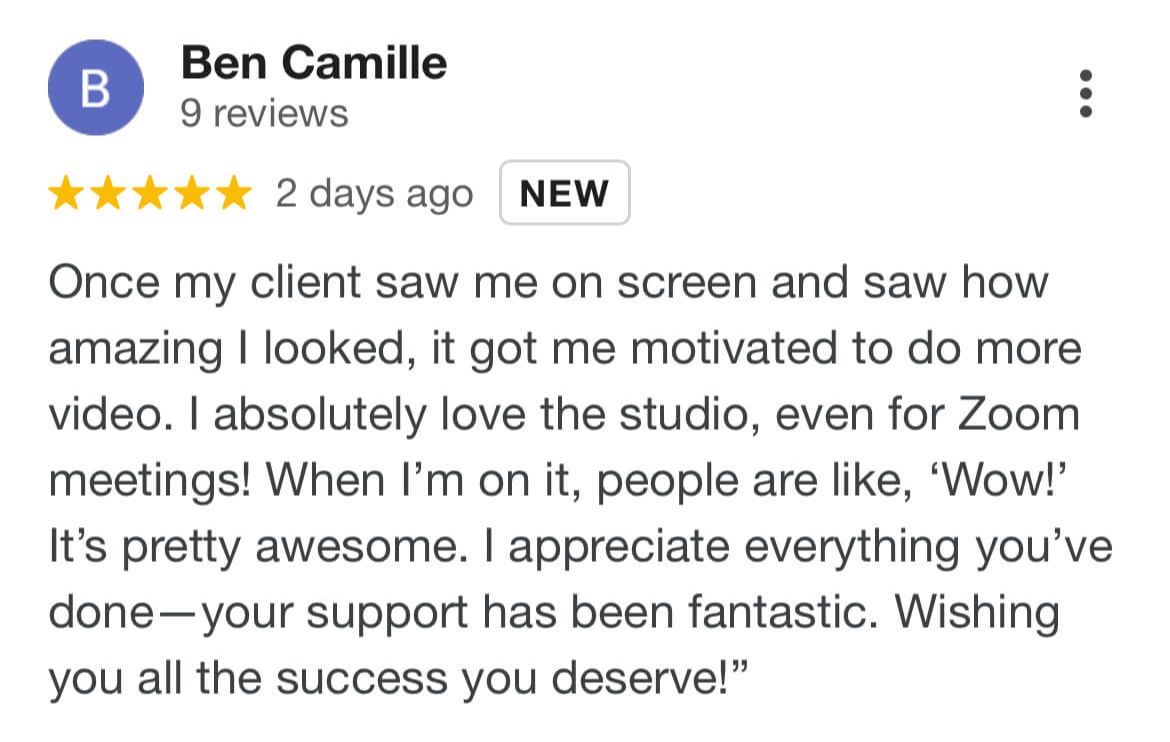
After the change, he says every client commented, asking whether he had moved into a studio. He hadn't. Same office, better light and no shadows. His story is in how Greg cut his studio costs, and the broader picture of what a properly set up desk looks like is in what a professional video setup looks like.
Equipment is only the easy part. Knowing what to say, delivering it well and turning up every week are what decide whether it was worth it.
Video call questions we get asked
Why do I look bad on Zoom?
Usually because the light is behind you or above you instead of in front, and Zoom's automatic low-light adjustment keeps changing your exposure. Face a window or a dimmable lamp, turn the adjustment off, and switch on HD.
What is the best lighting for Zoom calls?
One soft light in front of you, slightly above eye level, bright enough that the camera isn't straining. A window, a lamp through a shade or a proper key light all work. What matters most is that it stays the same every time you sit down.
How do I look at the camera on Zoom and still see the other person?
Move their face to the lens. Pin and full-screen the person you're talking to, then drag the window of everyone else up beside your camera, so a small shift of the eyes is all it takes.
Does a laptop webcam make my business look small?
To some clients, yes. Poor light and sound read as a small or disorganised operation, even when the work behind them is excellent. Good light, a steady eye line and clear sound change that impression before you've said a word.
Which of these sounds like you?
"Setting up takes so long I end up not recording." That is what the Desktop Studio removes. Installed for you, one click to record.
"I record, but I don't like how I come across." That is what Video Coaching is for: messaging, performance, tech and implementation, worked live every week.
"Honestly, both." Book a call and we will work out where to start.

Where to start
Desktop StudioInstalled for you. One click to record. Video CoachingMessaging, performance, tech and implementation, worked live every week.Two halves of one system. Book a call and we will work out where to start.

