
How to Record Videos Without Hours of Setting Up
Oct 29, 2026
Stop setting up and packing down. The hours go into building the shot, putting it away again and fixing whatever setting moved since last time. Leave your camera, light, microphone and prompter fixed in one place with the settings saved, and recording a short video becomes a two-minute job instead of a two-hour one.
Key takeaways
- Setting up and packing away can take longer than the recording itself.
- Every piece of kit you move or unplug is a setting you have to fix again next time.
- A setup that stays fixed at your desk, with its settings saved, is ready the moment you sit down.
- With a script and a prompter, a short video takes roughly twice its finished length to record.
- Once the setup is settled, two good takes is enough, so stop chasing a perfect one.
Where do the hours actually go when you record a video?
Mostly before and after the recording. A business owner told us recently that every video he made cost him around two hours, just setting up a professional camera and lights and then winding it all back down again. The recording was the short part.
The other drain is settings that won't stay put. Another business owner's video dropped out during a call with us, and she said fixing her settings was giving her a headache these days. Every light stand that gets moved and every cable that gets unplugged is one more thing to settle before you can press record.
Chris calls this eliminating variables, and on a professional set the call is the same: lock it down, and nobody touches it. You can walk the five stages of the video journey to see where setup sits among everything else that makes video slow.
What does a setup that stays set look like?
Everything has one home and never leaves it. The camera sits at eye level behind a prompter, the light is fixed in front of you, the microphone is already in position, and one button turns the lot on. One client described his routine as pressing a single button and being ready to go, and said he can now reply to half a dozen emails by video in fifteen minutes.
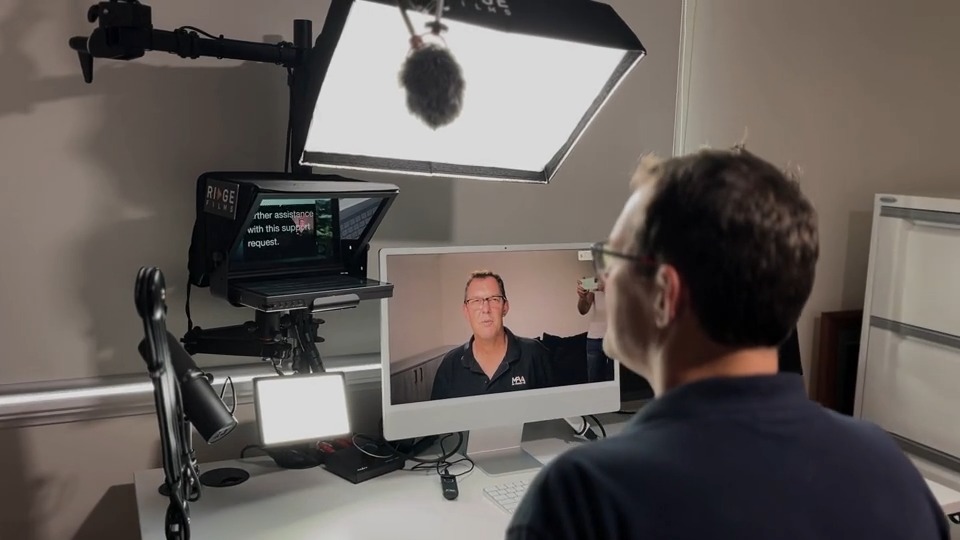
Jason Howes, who runs a sales consultancy, says the same thing about his own desk. Hear him from 1:09:
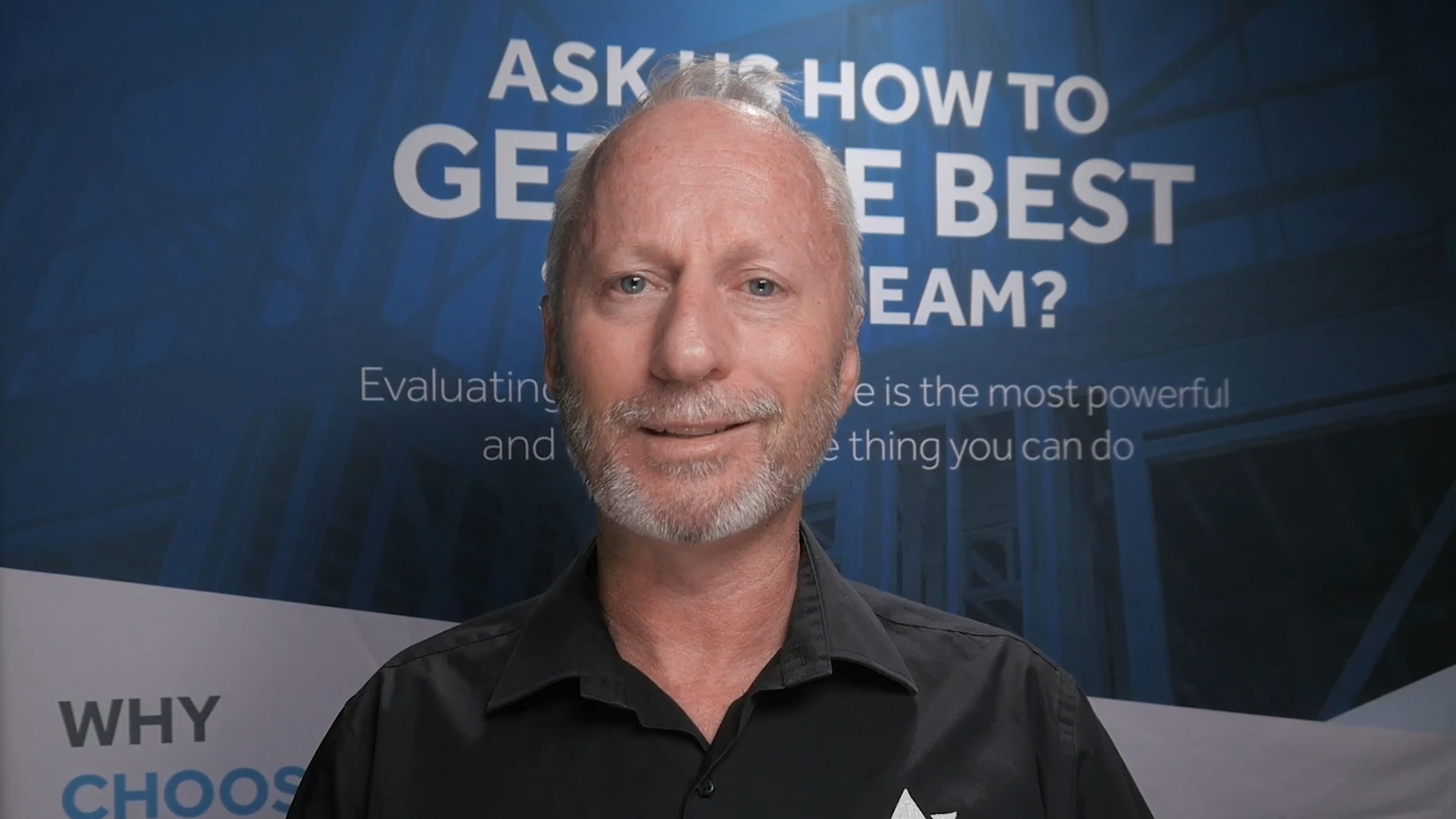
"One of the biggest impacts on my business was being the ability to switch the camera on and do a really fast message within two minutes." Jason Howes
He puts the overall saving at doing his videos in about a tenth of the time, because the setup is already there. For more on cutting the time out of each recording, record videos faster with less fuss.
How do you stop your settings changing between recordings?
Save what can be saved, and stop adjusting what already works.
- Save your switcher's startup state. If you use an ATEM Mini, save your setup so it loads the same way every time it powers on. Here is how to program your ATEM Mini startup state.
- Leave cables plugged in. Each one you pull out is a connection you have to check next time.
- Stop tweaking. Once the picture looks right, decide it is finished. Every small adjustment invites another one.
- Know who can fix a bump. Kit on a desk gets nudged. Heather Hukins at H4 Consulting admits her team was a bit afraid to touch their installed setup when things got bumped, until we brought the team member who does their editing into the process, so they could nudge things back with confidence.
How long should a short video take to record?
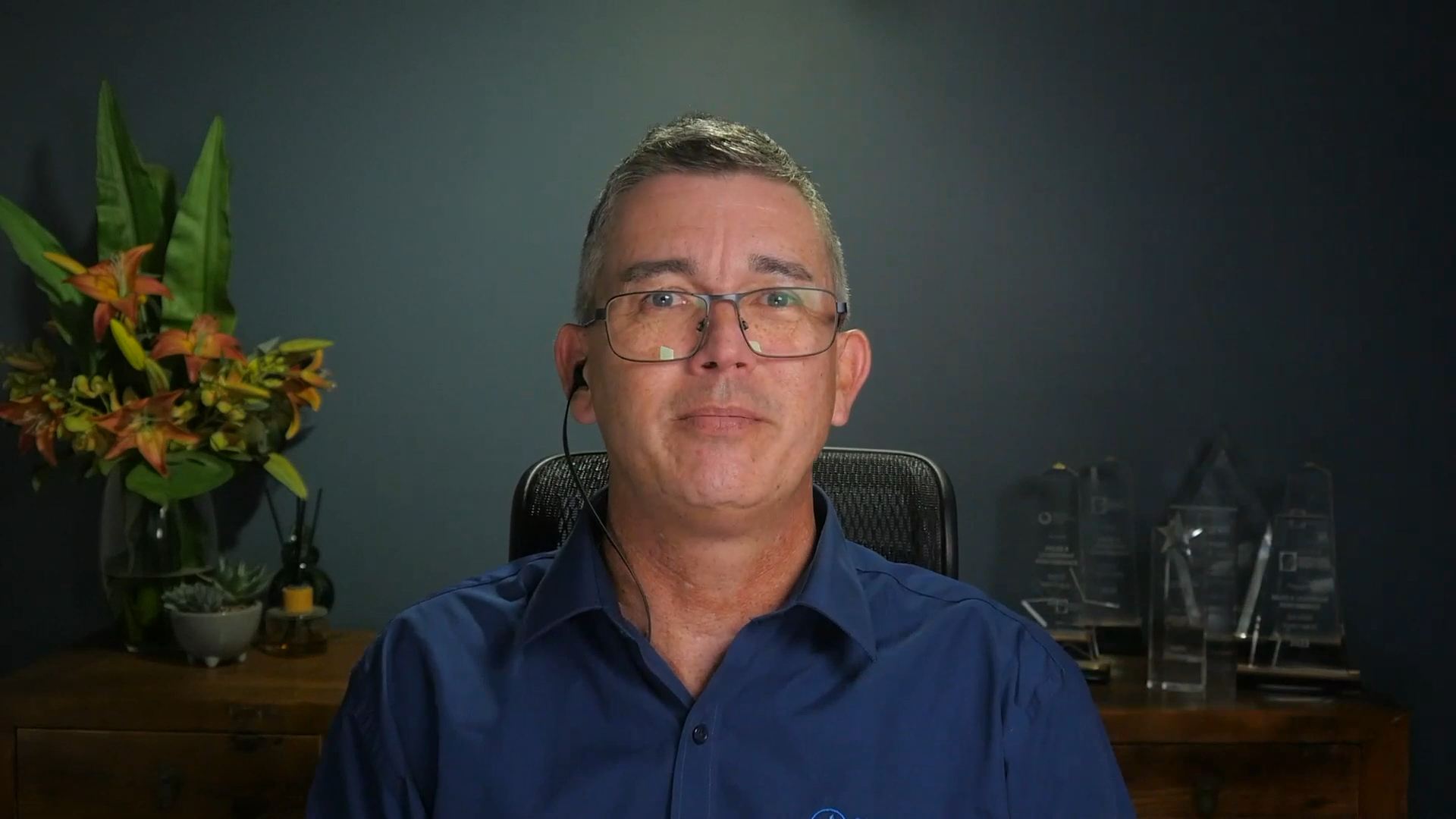
Roughly twice its finished length, once the room and the setup stop getting in the way. Heather runs H4 Consulting, which delivers training to government clients, and used to record beside the office kitchen on a busy street. The bin truck alone could stop a session for 25 minutes.
"It could take us two hours to produce six minutes of video content. Now it takes 12 minutes because we do two good takes of everything." Heather Hukins
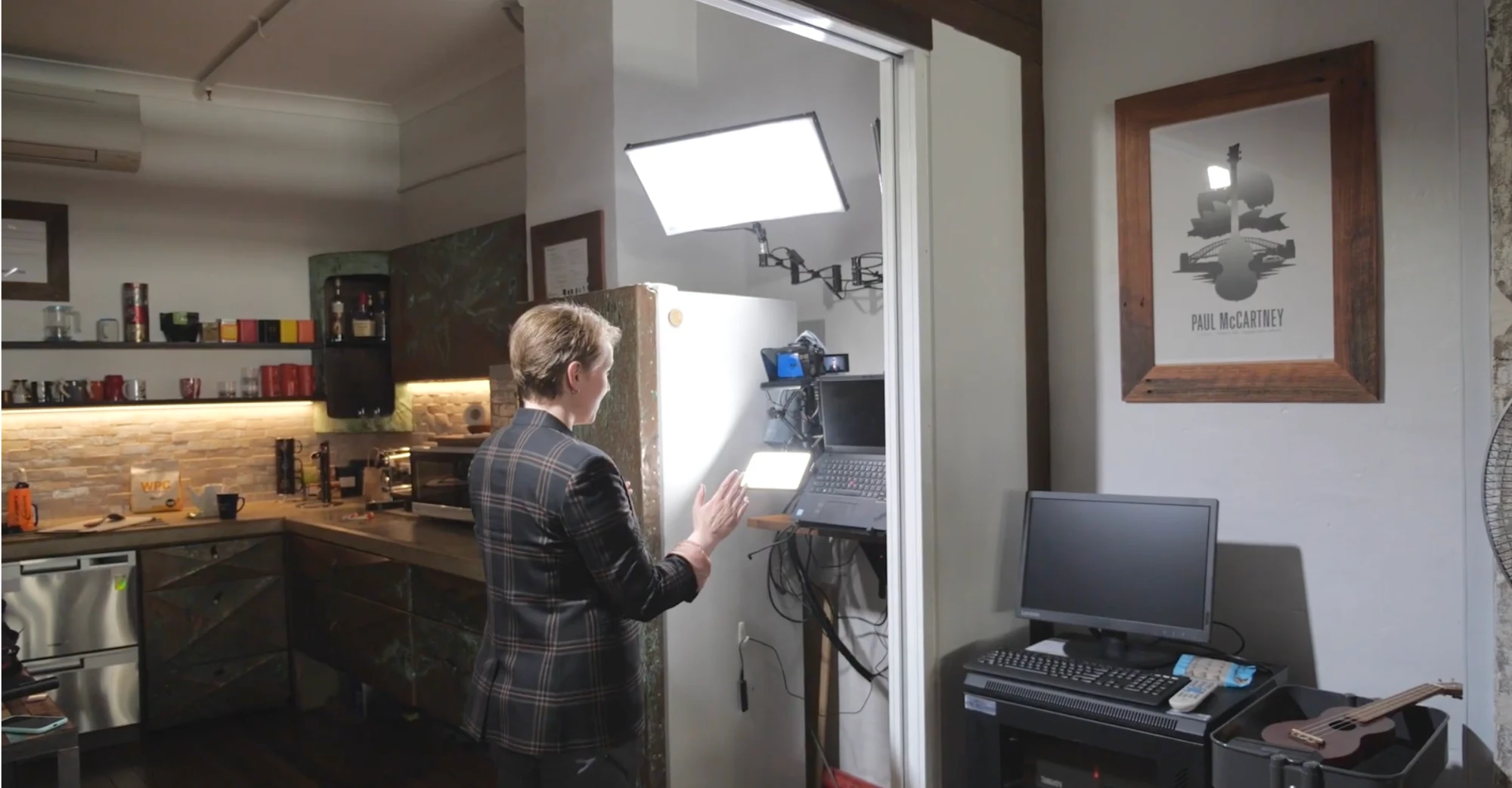
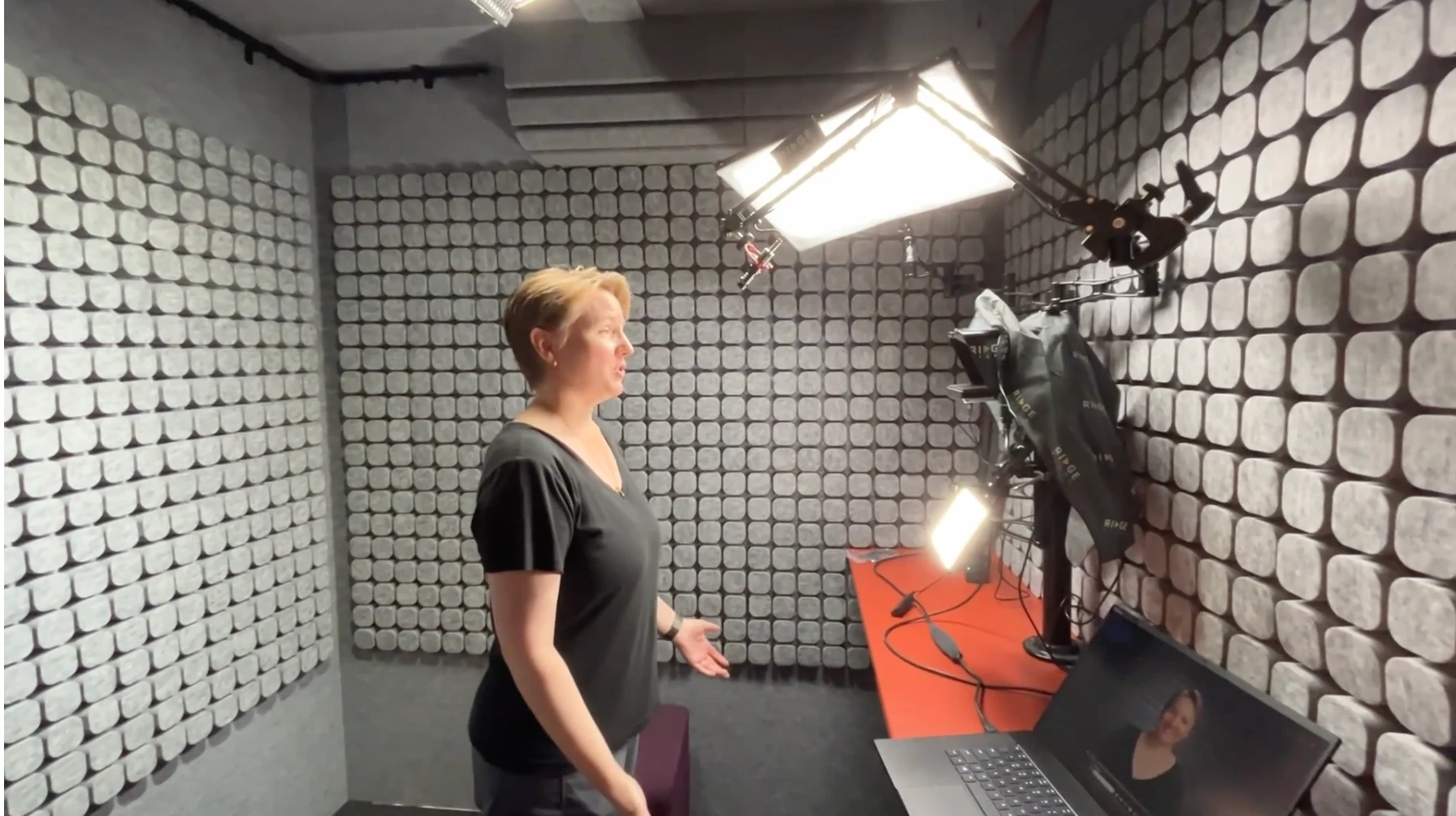
Two good takes and done is the other half of it. Greg Gladman, a sales and leadership coach, used to restart whole videos over a single slip:
"I used to be a perfectionist around, oh, I said the wrong word. I have to start that whole 10 minute video again." Greg Gladman
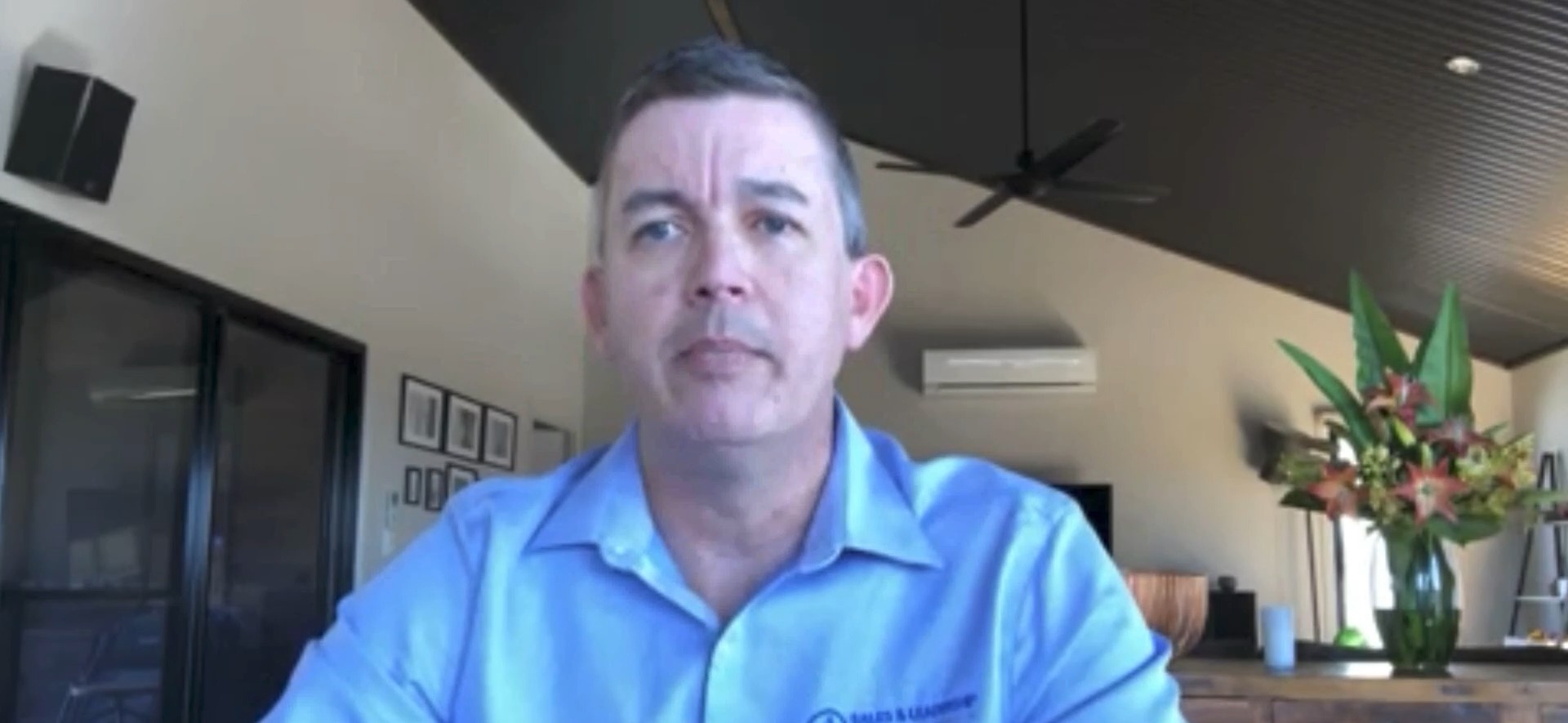
Now he lets a slip stay in, because it makes the video more original. Read how Heather Hukins cut video production from two hours to twelve minutes.
What can you do this week if you only have a phone or a laptop?
Apply the same rule with what you have. Pick one spot to record and keep it. Leave the light, the stand and the microphone where they are between sessions. Stop packing it away. Write a short script before you sit down, so you are not working out what to say with the camera rolling.
It will never be as quick as a desk built to stay set up, but it removes the worst of the hours. Once the setup stops eating your time, what is left is knowing what to say and saying it well, and that is what decides whether the video gets made.
Setting up to record: the questions we get asked
How long should it take to set up for a video?
If your camera, light, microphone and prompter stay where they are, close to no time at all: you sit down and press record. If you build the shot from scratch each time, expect it to swallow most of your recording session.
Why do my camera and Zoom settings keep changing?
Because something gets moved, unplugged or reset between sessions, and the software starts from its defaults. Save your settings where the gear allows it, such as a switcher's startup state, and leave the rest alone once it looks right.
How long does it take to record a short video?
With a script and a prompter, roughly twice the finished length. H4 Consulting records six minutes of finished video in about twelve, using two takes.
Do I need a professional camera to record quickly?
No. Speed comes from a setup that stays put. A professional camera that has to be unpacked, built and packed away each time is one of the slowest ways to record.
Which of these sounds like you?
"Setting up takes so long I end up not recording." That is what the Desktop Studio removes. Installed for you, one click to record.
"I record, but I don't like how I come across." That is what Video Coaching is for: messaging, performance, tech and implementation, worked live every week.
"Honestly, both." Book a call and we will work out where to start.

Where to start
Desktop StudioInstalled for you. One click to record. Video CoachingMessaging, performance, tech and implementation, worked live every week.Two halves of one system. Book a call and we will work out where to start.

