
How Do You Look and Sound Confident in an Online Presentation?
Jul 26, 2023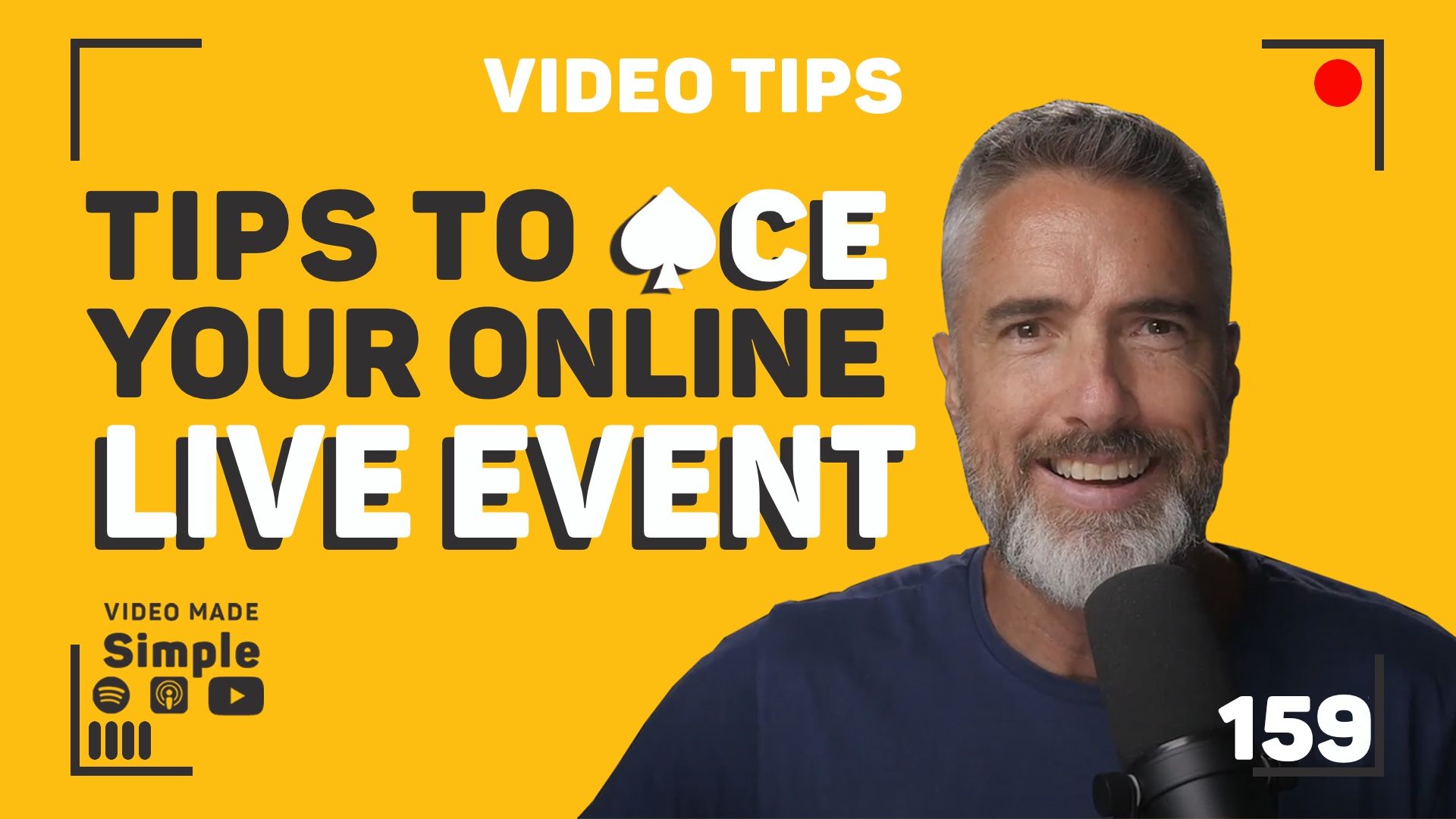
Confidence at a live online event is mostly decided before you speak. Know the audience and structure the talk, rehearse until it sounds conversational, look down the lens, light your face with something artificial, and hardwire your audio. Then manage the clock, invite the room in, and be recognisably yourself.
Key takeaways
- The work that decides how you come across happens before the event opens: the brief, who is in the room, content tailored to them and a clear structure.
- Rehearse until it sounds conversational, then check it against the recording, not against how it felt, because in Chris's words your brain lies to you and the camera does not.
- Look down the lens and keep every window you need open as close to the lens as possible, otherwise the audience spends the session watching the side of your head.
- Light and audio are what make an online presentation look and sound unprofessional, and both are fixable in an afternoon.
- Chris treats asking the room to turn their cameras on as completely acceptable, because if they can see your body language you should be able to see them.
What has to be sorted before you go live?
The work that decides how you come across happens before the event opens. Chris starts with the brief, not the delivery: the event theme, the objectives, who is actually in the room, and content tailored to that rather than to a deck you already had. Then a clear structure, because if you confuse, you lose.
Rehearsal is the second thing, and it is the one people skip. Practise until it sounds natural and conversational rather than read out. Then check it against the recording, not against how it felt.
"I've got a mantra that is your brain lies to you, the camera does not." - Chris Schwager
Dress is the third, and it is quick: attire that fits your personal brand, no busy patterns, no distracting tones. If you want the ten points as a straight checklist to work through before an event, get ten tips for nailing your online event.
Why does the camera see something different from what you feel?
Because your own read of your delivery is not evidence. Record yourself, watch it back, and get feedback from somebody else, because your brain is playing tricks on you and the playback is not.
Two things show up on that playback almost every time. The first is eyeline. Look down the lens, and bring every window you need open as close to the lens as possible, otherwise the audience spends the session watching the side of your head. The second is your hands. Sitting or standing in good posture and not fidgeting matters less as etiquette and more as signal, because excessive movement gives away that you are not quite comfortable in your skin. There are five body-language mistakes to fix on camera if you want the specifics.
What makes an online presentation look and sound unprofessional?
Light and audio, in that order, and both are fixable in an afternoon.
Natural light is the trap. Sun pierces through, cloud rolls over, and inside one session you go from blown out to sitting in the dark. Chris's answer is to minimise the outside light and put an artificial light in front of your face instead, so the exposure holds still for the whole event. There is a walkthrough of how to set up professional lighting for your video calls.
Audio is the same problem with a different cause. Chris runs a microphone above his head, out of shot, hardwired into the camera, and avoids Bluetooth, earpieces and anything with a battery in it, because that is where dropouts come from.
"Stick to a simple audio system that you know works and test it beforehand." - Chris Schwager
How do you keep an online audience with you?
Respect the clock first. Stick to the time you were given, and leave room at the end for questions and interaction if the format allows it.
Then ask the room to turn their cameras on. Chris treats that as completely acceptable rather than a big request: if they can see every nuance of your body language, you should be able to see them, and you can tell while you are still speaking whether the content is landing. That two-way read is most of what separates a live online event from a recording, and it is the same skill set behind using video for sales and webinars.
The last one is the one nobody can set up for you. Show your personality and your expertise honestly, use your own anecdotes and experience, and let the rapport do the work.
Frequently asked questions
Should I use a Bluetooth or wireless microphone for an online presentation?
Chris avoids anything running on a battery. He uses a microphone mounted over his head and out of shot, hardwired into the camera, because Bluetooth earpieces and battery powered kit are where audio dropouts come from mid-session. Whatever you use, pick a simple system you already know works, and test it before the event rather than during it.
Where should my windows be for a video call or an online event?
As close to the camera lens as possible. If your light and your screen pull your eyes off to one side, the audience spends the whole session looking at the side of your head, which is not interesting to watch. Bringing the windows in near the lens keeps your eyeline and your light landing in the same place.
Is it acceptable to ask an online audience to turn their cameras on?
Yes, and Chris calls it completely acceptable. If they can see you and every nuance of your body language, you should be able to see them. Ask their permission, then read the room the way you would in person. Once you can see who is engaged, you can adjust while you are still presenting.
How much should I rehearse before a live online event?
Enough that it sounds conversational rather than read out. The check that matters is not how the run felt, it is what the recording shows, so record yourself, watch it back, and get feedback from someone else. Your own sense of the delivery and what the camera actually captured are usually two different things.
Do I need better equipment to come across well at an online event?
Equipment is one of four pillars, alongside messaging, on-camera performance and implementation, and it is the easy one. Lighting and audio are worth fixing because they are cheap to get wrong and they undermine everything else. No microphone, though, rescues a presentation that was never structured or rehearsed.
Transcript
Read the full transcript
Chris Schwager
Presenting on camera, here's a comprehensive guide with my 10 top tips to presenting yourself so that you look and sound amazing with a presentation that is convincing, conversational, and leaves your audience wanting more.
[00:00:15] One, be prepared, familiarise yourself with the events, theme, the objectives, the audience, making sure that you're tailoring the content accordingly, creating a well structured presentation, be sure to outline a clear and concise delivery because if you confuse, you lose.
[00:00:32] Mastering your material is number two. Practice your content. Practice, practice, practice, making sure that you feel natural and conversational. And camera, I've got a mantra that is your brain lies to you, the camera does not. Make sure you record yourself. You watch that back and you get appropriate feedback because your brain is playing tricks on you. You think you're doing it one way and the camera sees it completely different by playing back. You'll keep things conversational. You'll keep that tone and that energy and that engagement up with your audience.
[00:01:03] Three, dress the part. Use appropriate attire that aligns to your brand, your personal brand. Avoid busy patterns and distractive tones.
[00:01:11] And also remembering your eye contact. Your eye contact, looking down the lens of your camera. Now this is important. You want to make sure that during your presentation that you bring all your windows as close to the lens as possible. The worst thing the audience. can do is to see the side of your head. It's not very interesting to look at.
[00:01:30] And also body language, sit or stand comfortably, making sure that you're in good posture. You're avoiding excessive fidgeting with your hands. This is all, these are all signals, gives away that you're not quite comfortable in your skin. So just making that all relaxed, nice and natural and easy to watch.
[00:01:48] Lighting and your background. Make sure that you opt for a well lit surrounding. You know, natural lighting can be a problem. You get sun piercing through, you get cloud cover coming over and all of a sudden you're either totally blown out or you're in darkness, right? So best to try and minimize that outside lighting. Get some artificial lighting in front of you, in front of your face. So that everybody can see you clearly.
[00:02:12] Audio quality. I'm using a microphone here that's over my head out of the way. It's hardwired into the camera. This is really important. You want to avoid Bluetooth in earpieces, things that have batteries. For instance, you want to avoid any problems that are going to occur, like with dropouts of your audio. Stick to a simple audio system that you know works and test it beforehand.
[00:02:33] It's almost at the end, now.
[00:02:35] Time management. Stick to the allocated timeframe to respect the event schedule. Leave time for Q and A and interactions with the audience, if it's applicable.
[00:02:44] Nine, engage with the audience. Ask them to turn their camera on. This is completely acceptable. If they can see you and the nuances of your body language, you should be able to see them. So ask them permission to make sure that they turn that camera on and you can see that they're interested in what you're presenting. Encouraging participants in this way will make all the difference when you're presenting your content.
[00:03:07] And 10 be yourself on camera, showing your personality expertise genuinely. You'll be able to share your personal anecdotes and experiences, build rapport, and that's exactly what the audience is really wanting to do with you.
[00:03:21] If you're stuck on anything that I've given you in this video, structuring your presentation, inserting your slides or recording your presentation, be sure to reach out and I'm here to help you. So let your personality shine and unlock your inner star power with an unforgettable presentation that leaves your audience inspired, eager, and ready for more.
[00:03:39] You got this.
Which of these sounds like you?
"Setting up takes so long I end up not recording." That is what the Desktop Studio removes. Installed for you, one click to record.
"I record, but I don't like how I come across." That is what Video Coaching is for: messaging, performance, tech and implementation, worked live every week.
"Honestly, both." Book a call and we will work out where to start.
Where to start
Desktop StudioInstalled for you. One click to record. Video CoachingMessaging, performance, tech and implementation, worked live every week.Two halves of one system. Book a call and we will work out where to start.

