Topic
Resource library
Guides you can use today.
Scripting, presenting on camera, set-up and studio gear. Short, practical guides to work through before your next recording.
Just added
The newest guides, written from the questions clients actually ask.
Browse every guide
Showing 80 guides
 NewShould the Founder Be the Face of the Company?Planning and ideas
 NewHow Do You Make Your Webinars Look More Professional?Presenting on camera
 NewMake Your Small Business Look Professional to Big ClientsPresenting on camera
 NewHow Can a Small Business Get Recommended by ChatGPT?Planning and ideas
 NewWhy Do Prospects Choose Your Competitors Over You?Planning and ideas
 NewVideo for Recruiters: How to Win Clients and CandidatesSending video
 NewWhat Does Video Coaching for Business Owners Involve?Presenting on camera
 NewHow to Create Video Content Consistently as a Business OwnerPlanning and ideas
 NewHow to Get Comfortable on Camera When You Hate How You LookPresenting on camera
 NewHow to Record Videos Without Hours of Setting UpStudio set-up and gear
 NewIs In-House Video Cheaper Than Paying an Agency?Studio set-up and gear
 NewWill I Actually Use a Video Studio If I Buy One?Studio set-up and gear
 NewHow to Get Clients to Trust You Before the First MeetingSending video
 NewHow to Look Professional on Zoom and Teams CallsPresenting on camera
 NewHow Do You Keep Eye Contact on a Zoom Call?Presenting on camera
 NewHow Do You Stop Second-Guessing Every Video You Post?Presenting on camera
 NewHow to Switch Between Slides and Camera on the ATEM Mini ProStudio set-up and gear
 NewHow Do You Structure a Webinar So People Stay Engaged?Scripts and structure
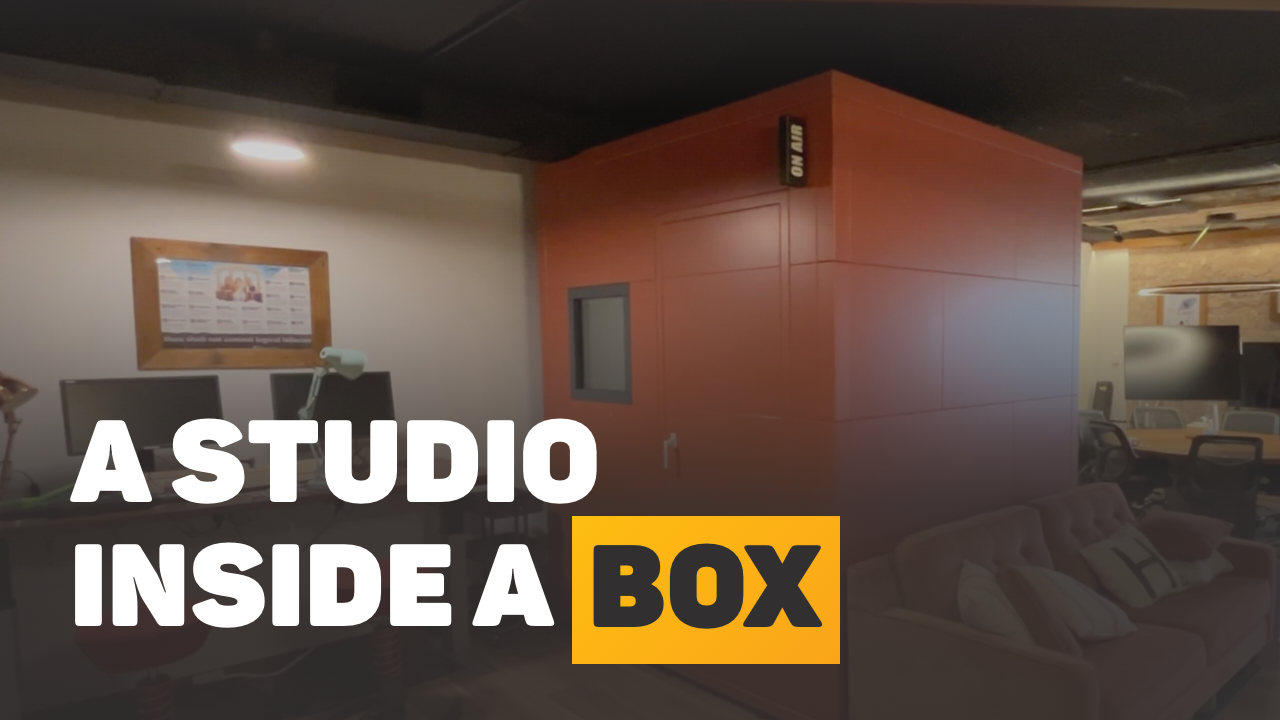 How H4 Consulting Fitted a Desktop Studio Inside a StudioBricks BoothStudio set-up and gear
 Can You Record Two People on One Camera?Studio set-up and gear
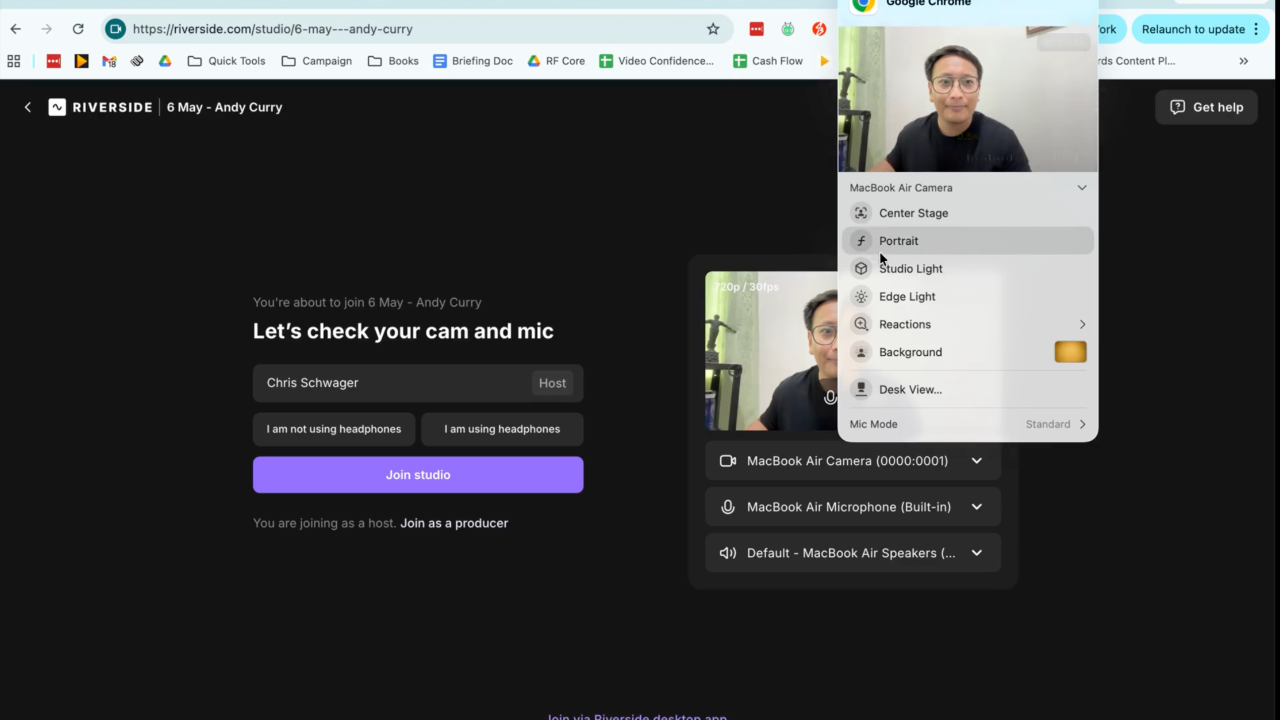 Blurry Background on Mac? Turn Off Portrait ModeStudio set-up and gear
 Video Marketing ROI: How to Measure What Video Brings InPlanning and ideas
 Why Professionals Stop Making Video (It's Rarely Confidence)Planning and ideas
 Speaking on Camera: How to Sound Natural and ConfidentPresenting on camera
 Are AI Video Generators Good Enough for Professional Use?Presenting on camera
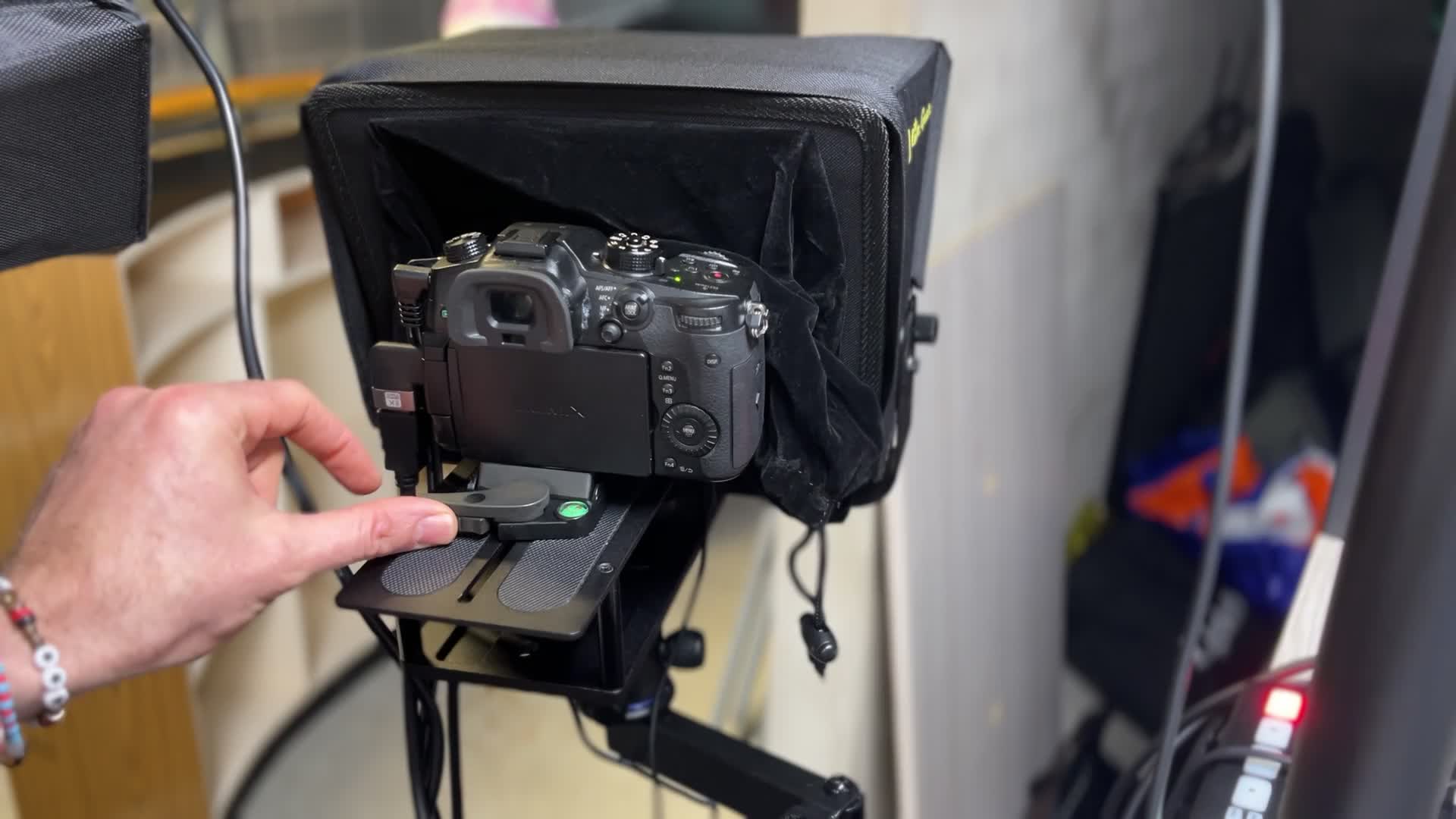 How to Swap Your Desktop Studio Camera Power SupplyStudio set-up and gear
 How to Batch Record Content Without Burning OutPlanning and ideas
 Video Marketing Strategy: How to Build One That WorksPlanning and ideas
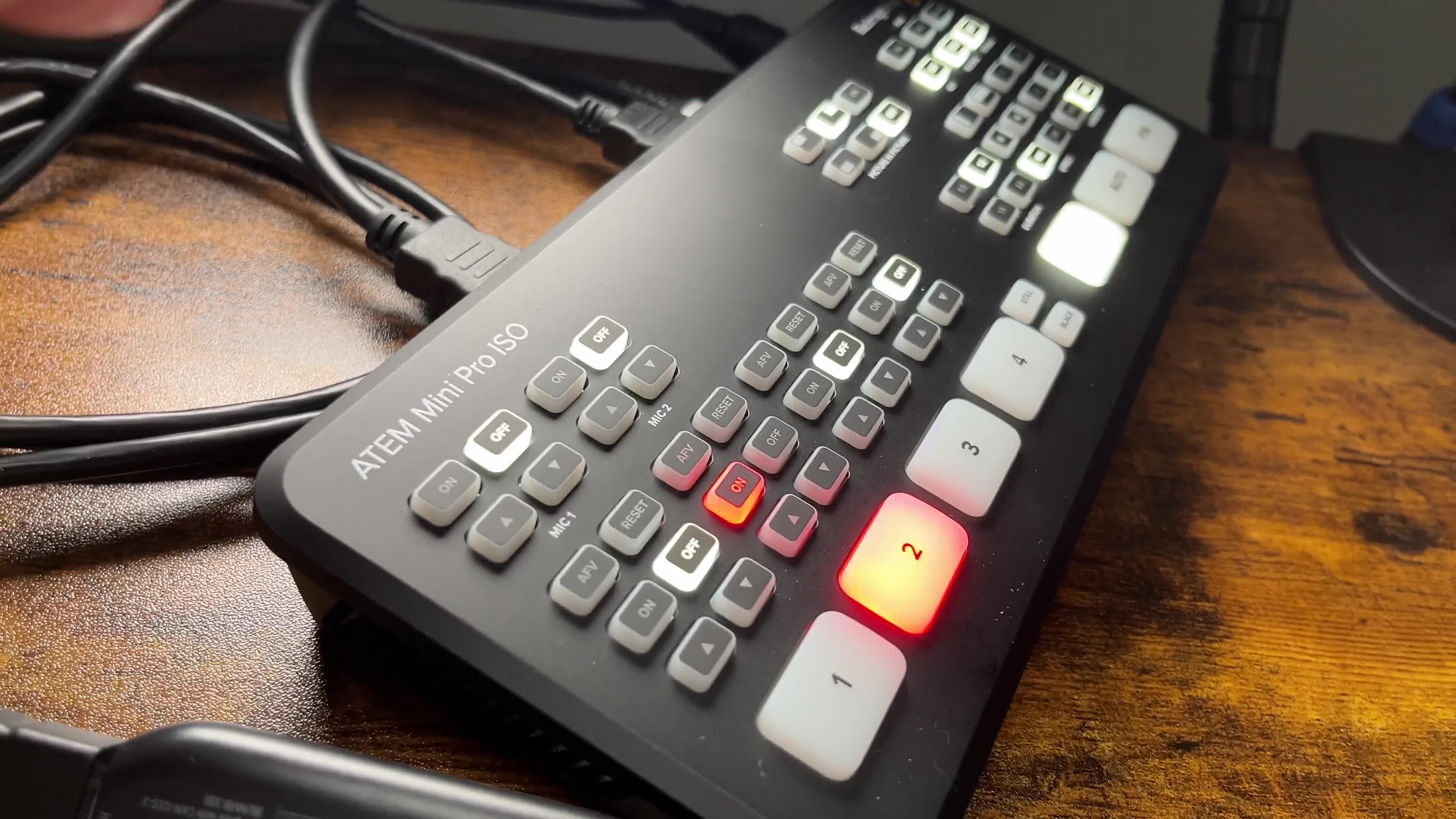 No Camera Signal From Your Switcher? How to Fix ItStudio set-up and gear
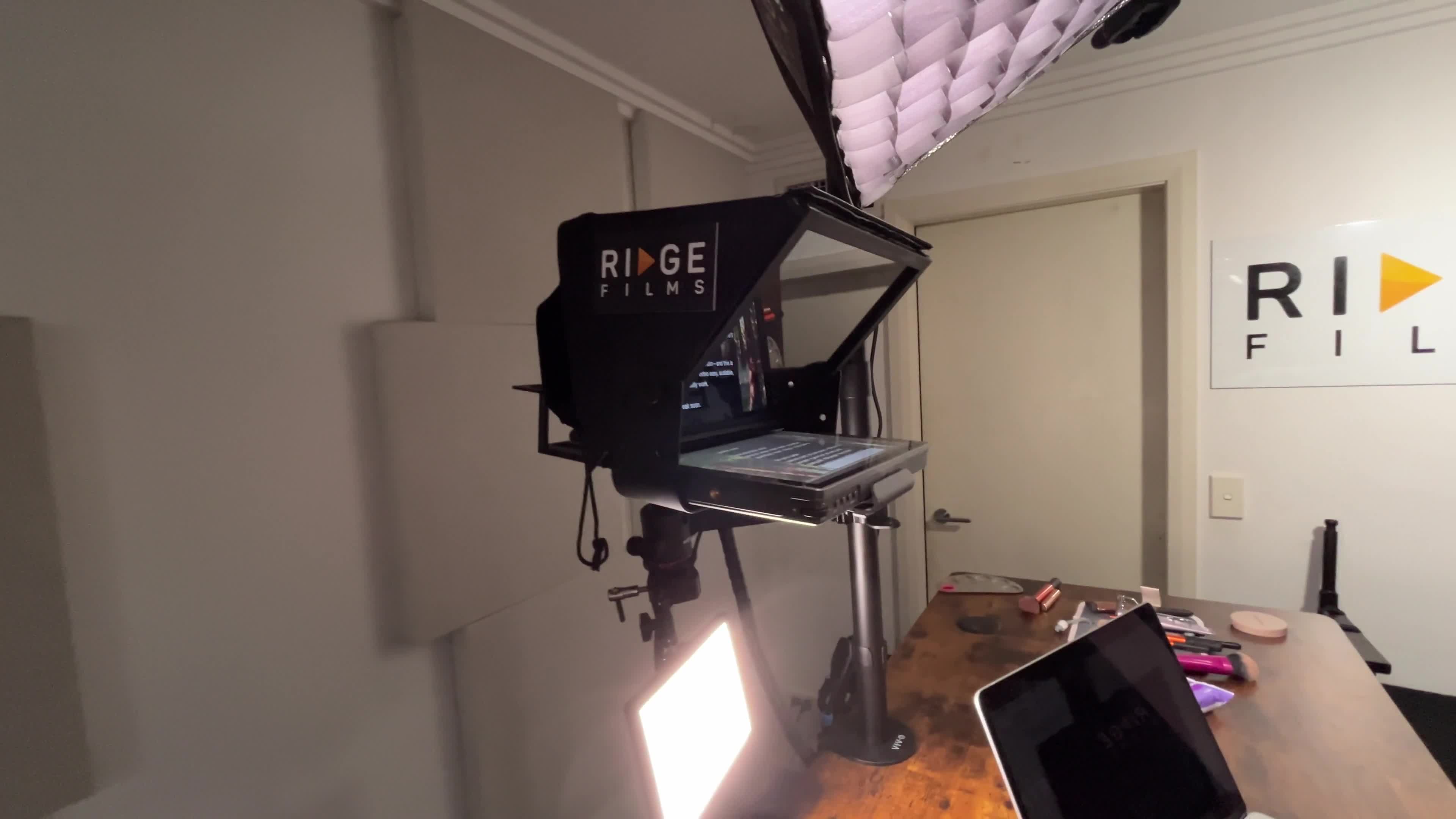 Desktop Studio Camera Not Showing? Check Power and HDMIStudio set-up and gear
 TeleprompterMax Not Working? Black or Blue Screen FixesStudio set-up and gear
 Why Do Professionals Struggle With Video? It's StructureScripts and structure
 Background Light Not Working? Five Checks in a MinuteStudio set-up and gear
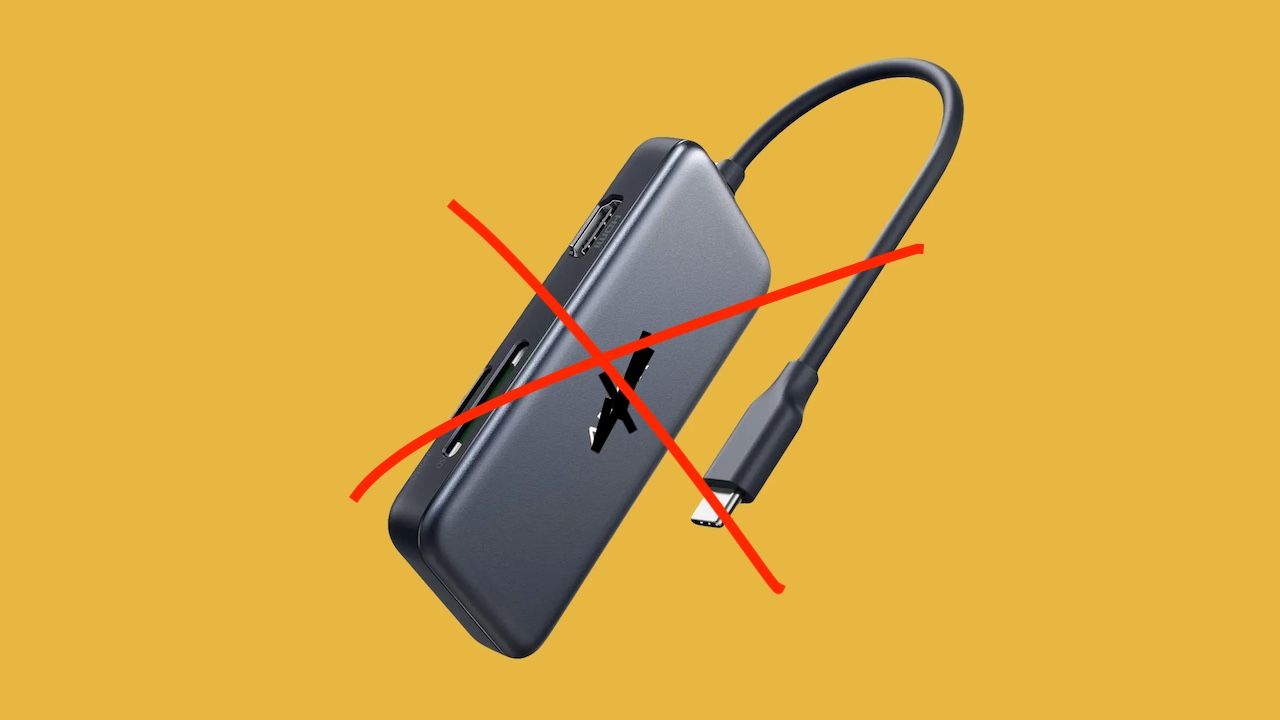 Studio Keeps Dropping Out? Check Your USB-C Hub FirstStudio set-up and gear
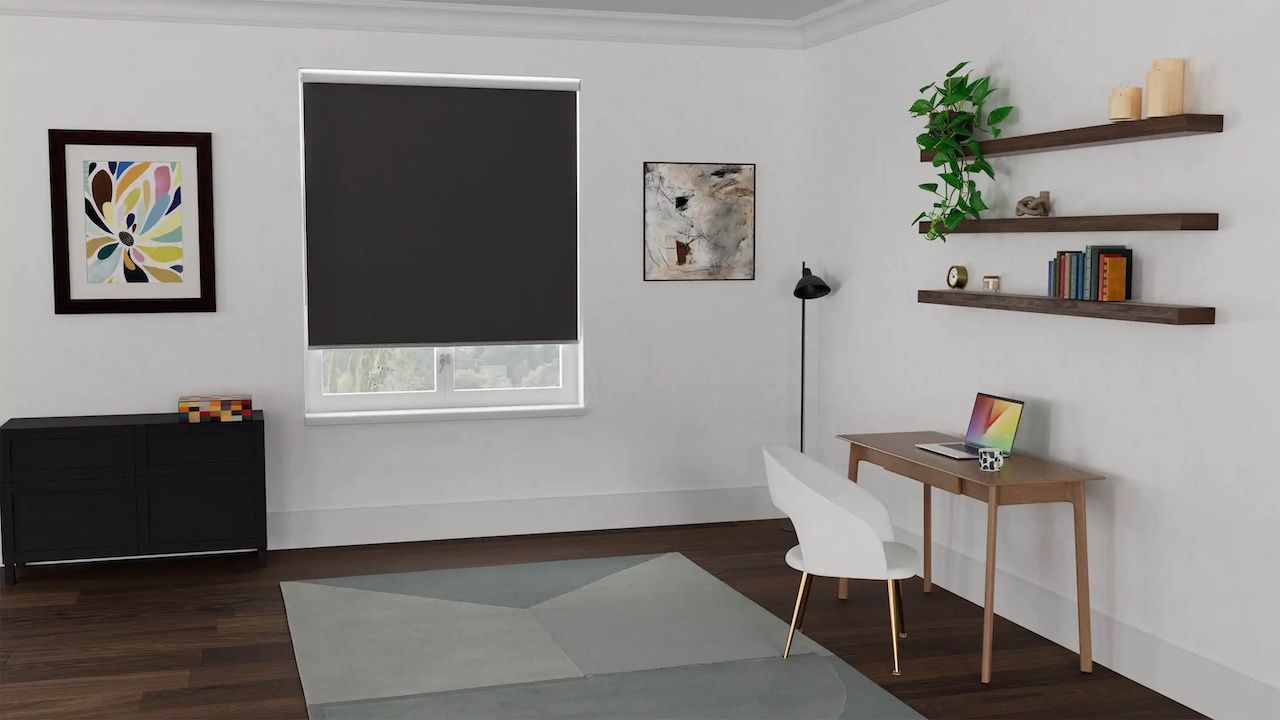 How to Choose the Right Room for Your Video StudioStudio set-up and gear
 Media Wall Design That Keeps You the Hero on CameraStudio set-up and gear
 How Do You Record Video for an Online Course?Planning and ideas
 Convince your Boss you Need a Pro Video StudioStudio set-up and gear
 Quick Paper Solution to Background HasslesStudio set-up and gear
 How to Clean Your Teleprompter: TeleprompterMax GuideStudio set-up and gear
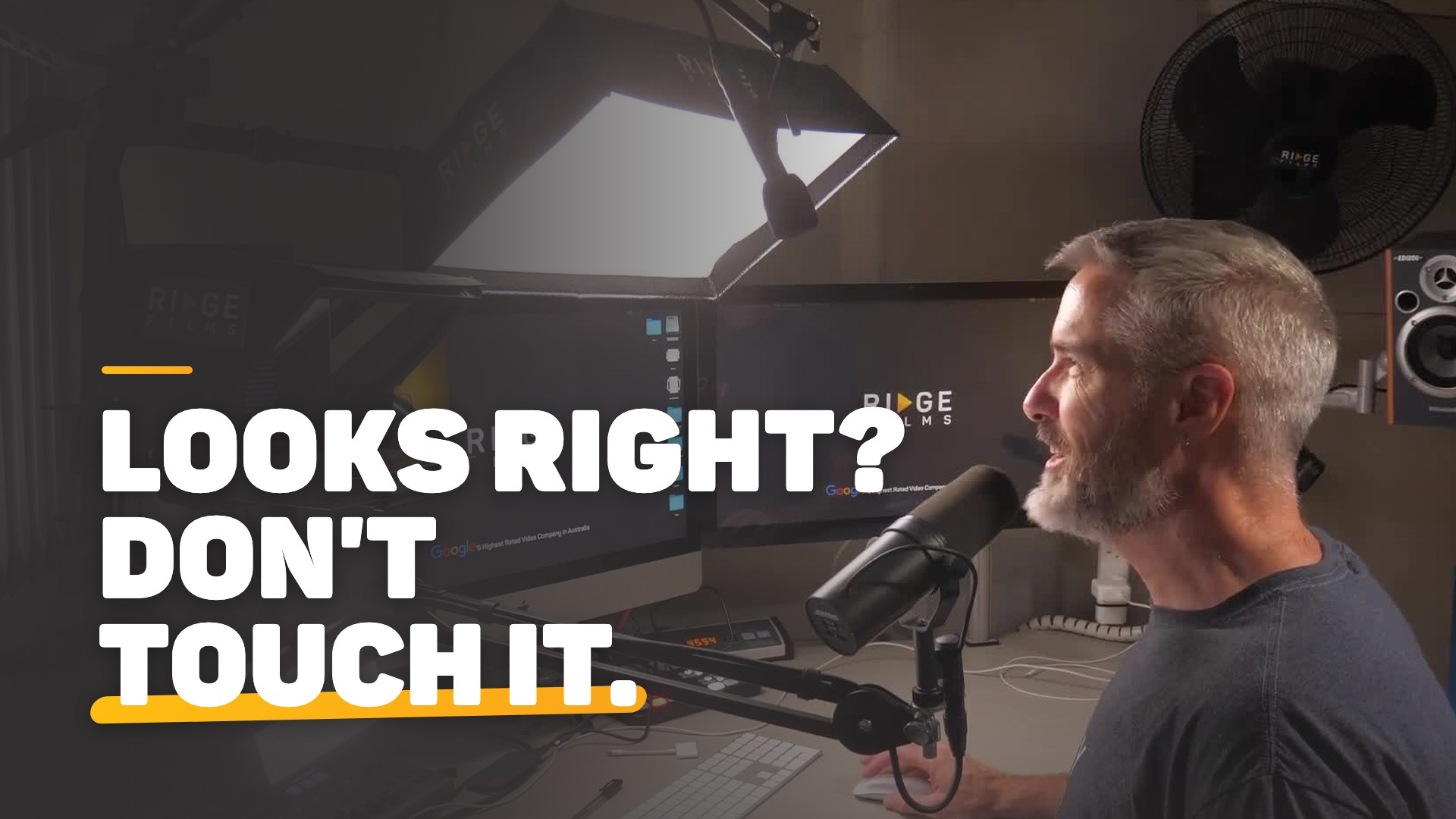 Stop Tinkering: What to Check When Your Studio Looks WrongStudio set-up and gear
 How to Make an Out-of-Office Video ReplySending video
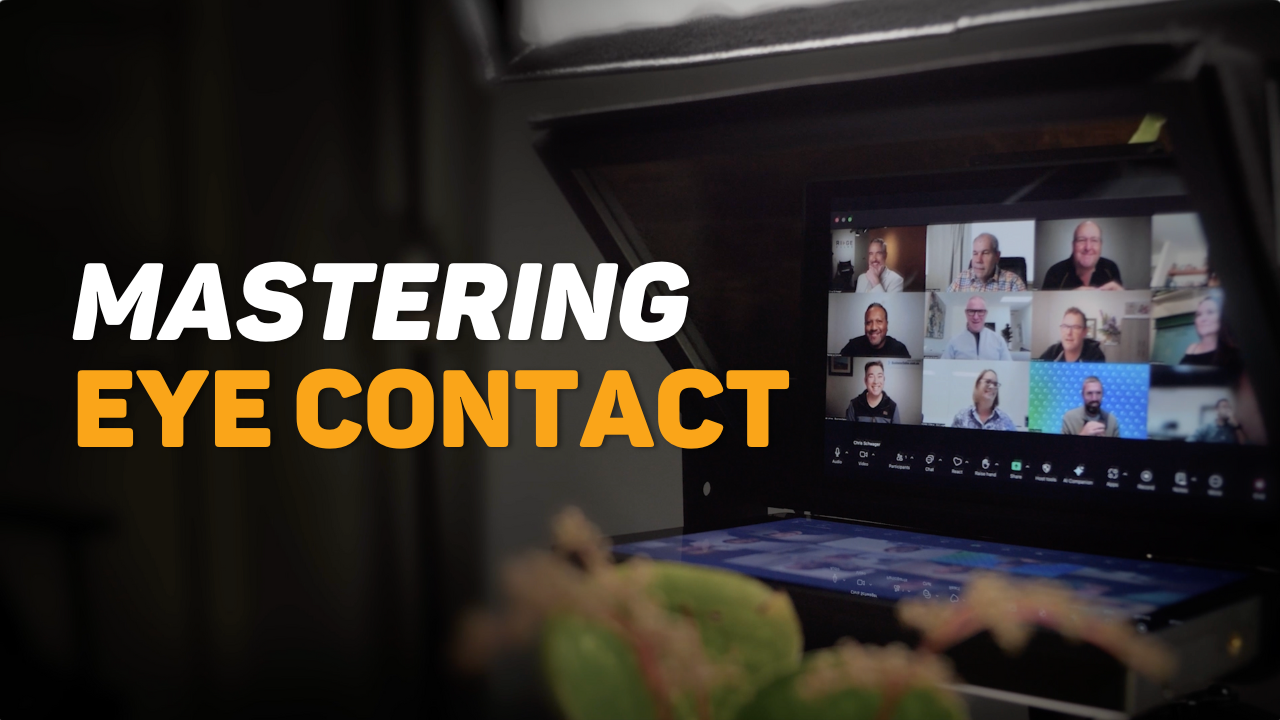 How to Keep Eye Contact on Zoom with Your PrompterMaxPresenting on camera
 How to Get Better at Presenting on Camera, FastPresenting on camera
 Pro Tips for a Powerful On-Camera PresentationPresenting on camera
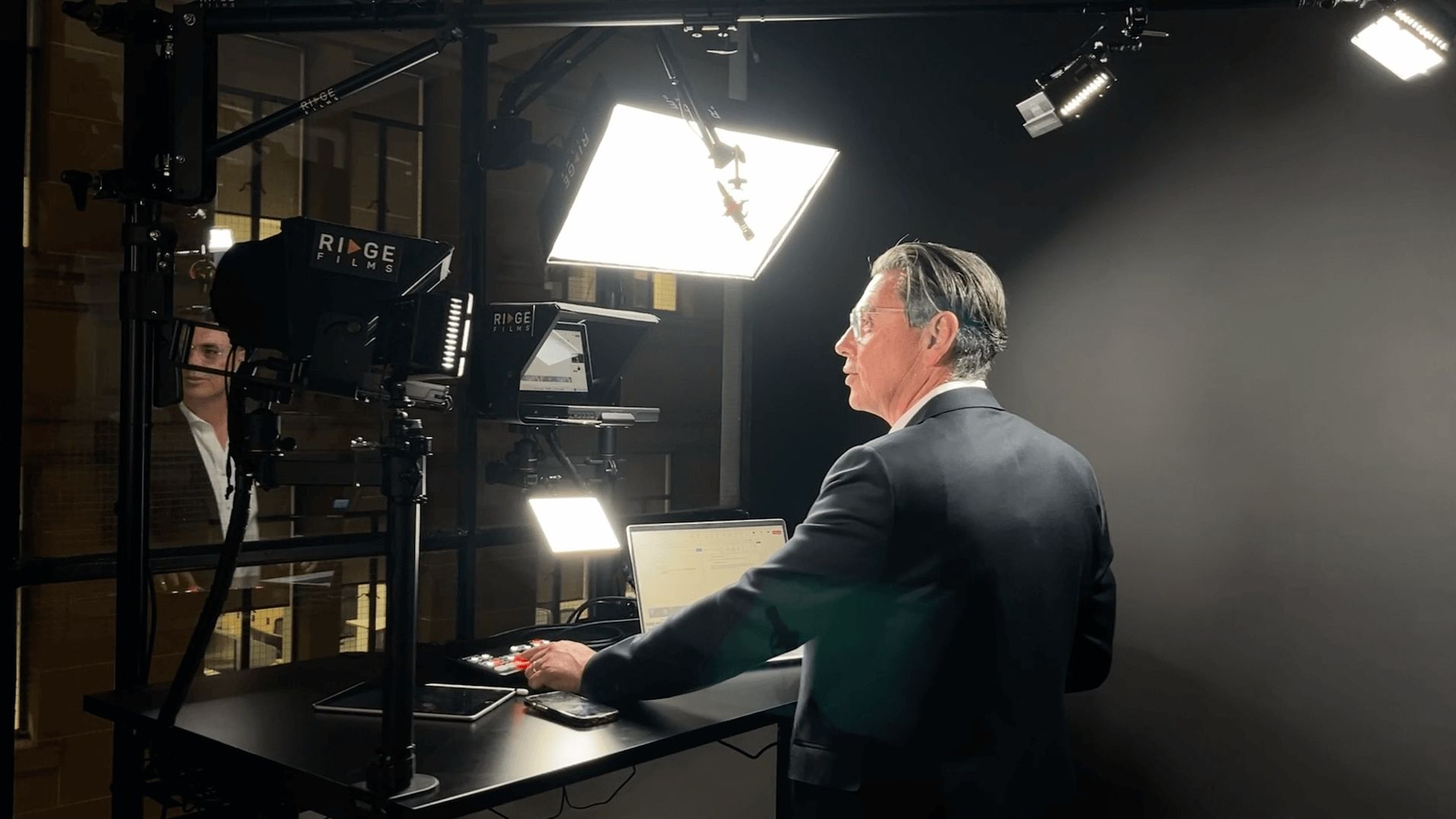 Which Video Studio Upgrade Do You Actually Need?Studio set-up and gear
 Video Production Glossary: 35 Terms in Plain EnglishPlanning and ideas
 What Are the 5 Stages of Making Your Own Videos?Planning and ideas
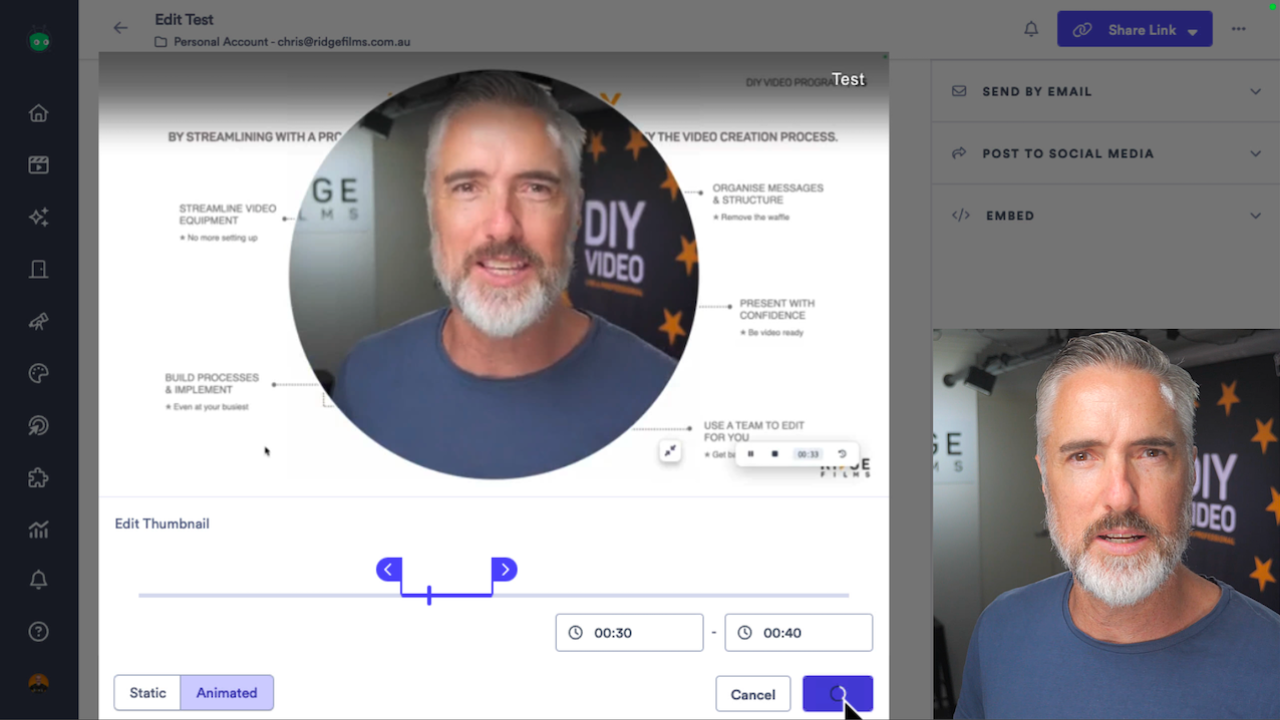 How to Use Vidyard to Record and Send a VideoSending video
 Video for Business: 50 Ideas and the 3 to Make FirstPlanning and ideas
 Can You Get Professional Video Quality Without a Crew?Studio set-up and gear
 Best Voice Productivity Tools to Work Faster by TalkingPresenting on camera
 Create a Personalised Video in Email Reply Sending video
 Video Brochures Australia: When Are They Worth Sending?Sending video
 How to Record with Your Desktop Studio on a MacStudio set-up and gear
 How to Record with Your Desktop Studio on a Windows PCStudio set-up and gear
 What Is a Video-Centric Business? Where to Use VideoPlanning and ideas
 Presentation Prompter on Mac: Teleprompter Setup GuideStudio set-up and gear
 Teleprompter Text Too Small? Change the Display ResolutionStudio set-up and gear
 Quick Guide to Launching a Podcast with BuzzsproutPlanning and ideas
 3 Ways to Increase Views on Your VideosPlanning and ideas
 Video Structure: How to Plan the Intro, Body and CloseScripts and structure
 Riverside HD Recording: What Video Quality Do You Get?Studio set-up and gear
 How to Record High-Quality Online Interviews With GuestsStudio set-up and gear
 ListenHow to Sound Natural When Reading a Script on CameraPresenting on camera
 How to Connect a Laptop, iPad or iPhone to Your SwitcherStudio set-up and gear
 Video Brochures Sizes to Fit Your BudgetSending video
 10 Tips for Perfecting Your Online Event PresentationPresenting on camera
 How to Add the Switcher Upgrade to Your Desktop StudioStudio set-up and gear
 Speaking on Camera With ConfidencePresenting on camera
 The Power of the Conscious Smile in VideoPresenting on camera
 Do This Before You Write Your Video ScriptScripts and structure
 How to Structure a Video Script: A Simple TemplateScripts and structure
 Green Screen for Remote Workers: Is It Worth It on Calls?Studio set-up and gear
 ListenLighting for Webcam Calls: 5 Free Fixes Plus the Zoom HackStudio set-up and gear
 How to Send a Personalised Video in an EmailSending video
 ListenWhat Makes a Thumbnail Clickable? Four Things to CheckSending video
 Why Your DIY Home Video Studio Is Holding You BackScripts and structure
 Can You Still Add a Video to Your LinkedIn Profile?Studio set-up and gear
 On-Camera Presentation: How to Hold Attention on ZoomPresenting on camera
Prefer to learn it with a coach?
Ridge Films runs on-camera video coaching for business owners and professionals.
Resources
What do you want to know?
338 articles, guides and episodes, each one answering a real question about video.